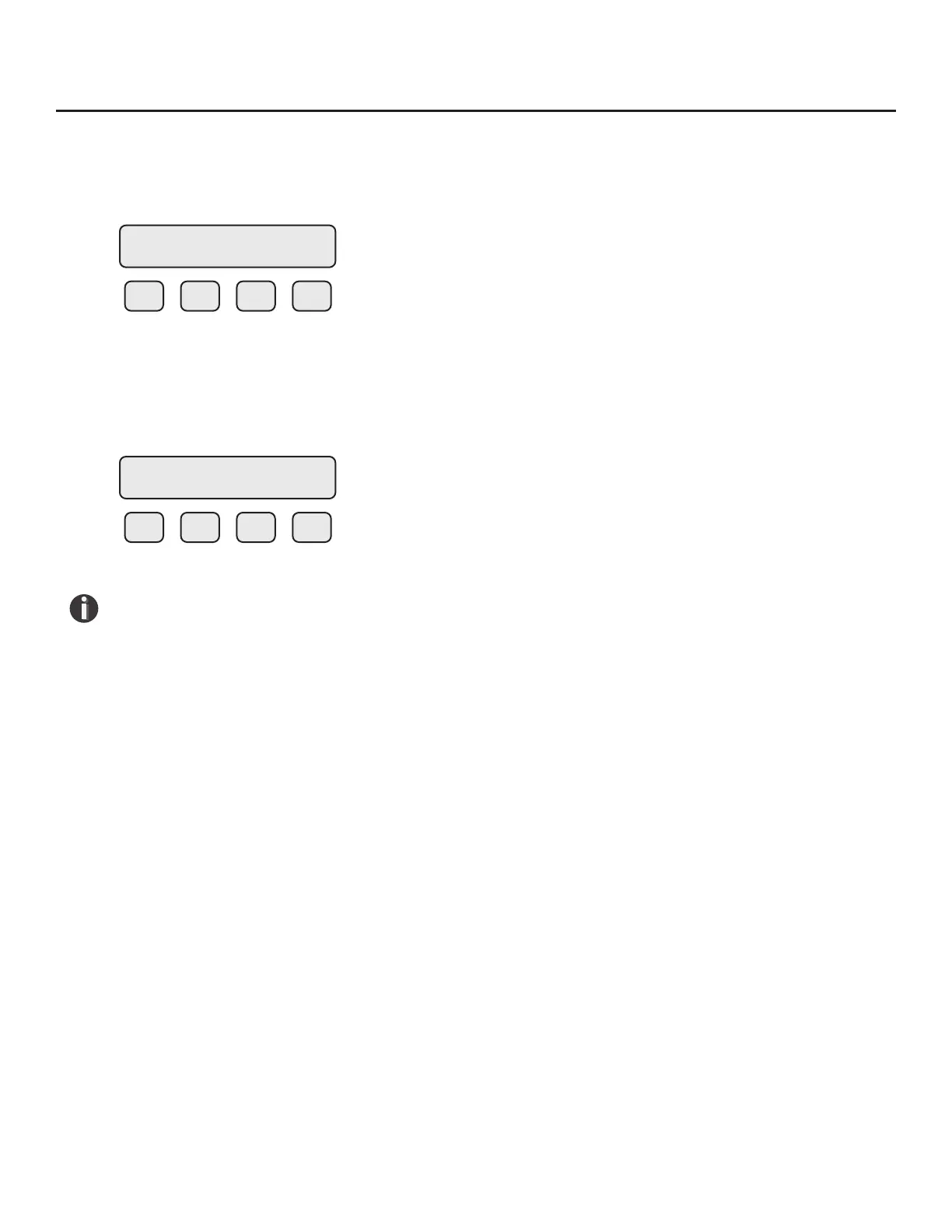
Reset CRC
If the NVRAM CRC check fails (Error Code 36), the programmed settings values will need to be veried
and corrected before clearing the error. Call Fox Thermal Customer Service if you need assistance.
F1 F2 F3 F4
Press YES (F1) ONLY if you want to reset the CRC and generate a new CRC value.
Reset Total and Elapsed Time
Enter the ow totalizer and elapsed time screen by pressing the F3 and F4 keys at the same time in
the normal running mode.
F1 F2 F3 F4
Press YES (F4) and enter password to reset total and elapsed time. Press NO (F1) to cancel.
NOTE! This feature is not available on non-resettable units.
Totalizer Rollover: The FT3 has an automatic roll-over function. The total ow count of the FT3 will
roll over after 99,999,999,999. Except for:
MSCFD: 999,999,999
MMSCFM: 9,999,999
MMSCFD: 999,999
Calibration of the Fox Thermal Model FT3 Thermal Flow Meter
To ensure that all Fox Thermal ow meters meet specied performance parameters and
provide accurate, repeatable measurements in the eld, all calibrations are performed with
NIST-traceable ow standards. Each meter is shipped from the factory with a Fox Thermal
Calibration Certicate.
Calibration Validation
Operators can verify the meter is running accurately in the eld by performing two simple tests.
The rst test, CAL-V™, tests the functionality of the sensor and its associated signal processing
circuitry and can be done in the pipe and in normal processing conditions.
The second test, Zero CAL-CHECK
™
, ensures the repeatability and cleanliness of the sensor and can be
performed in two ways: In situ or Out of Pipe. See Fig. 4.4 to understand Calibration Validation with
these two tests.
RESET CRC?
YES NO
RESET TOTAL ?
NO YES
Operation | 74
Model FT3
Operation



 To Next Page