F1 F2 F3 F4
Upon test completion, the nal percentage value will be displayed along with a Pass/Fail message.
Performing the Zero CAL-CHECK
™
- Out-of-pipe
Remove the meter from the pipe and isolate in an area that will allow the test to go undisturbed (see
Note below).
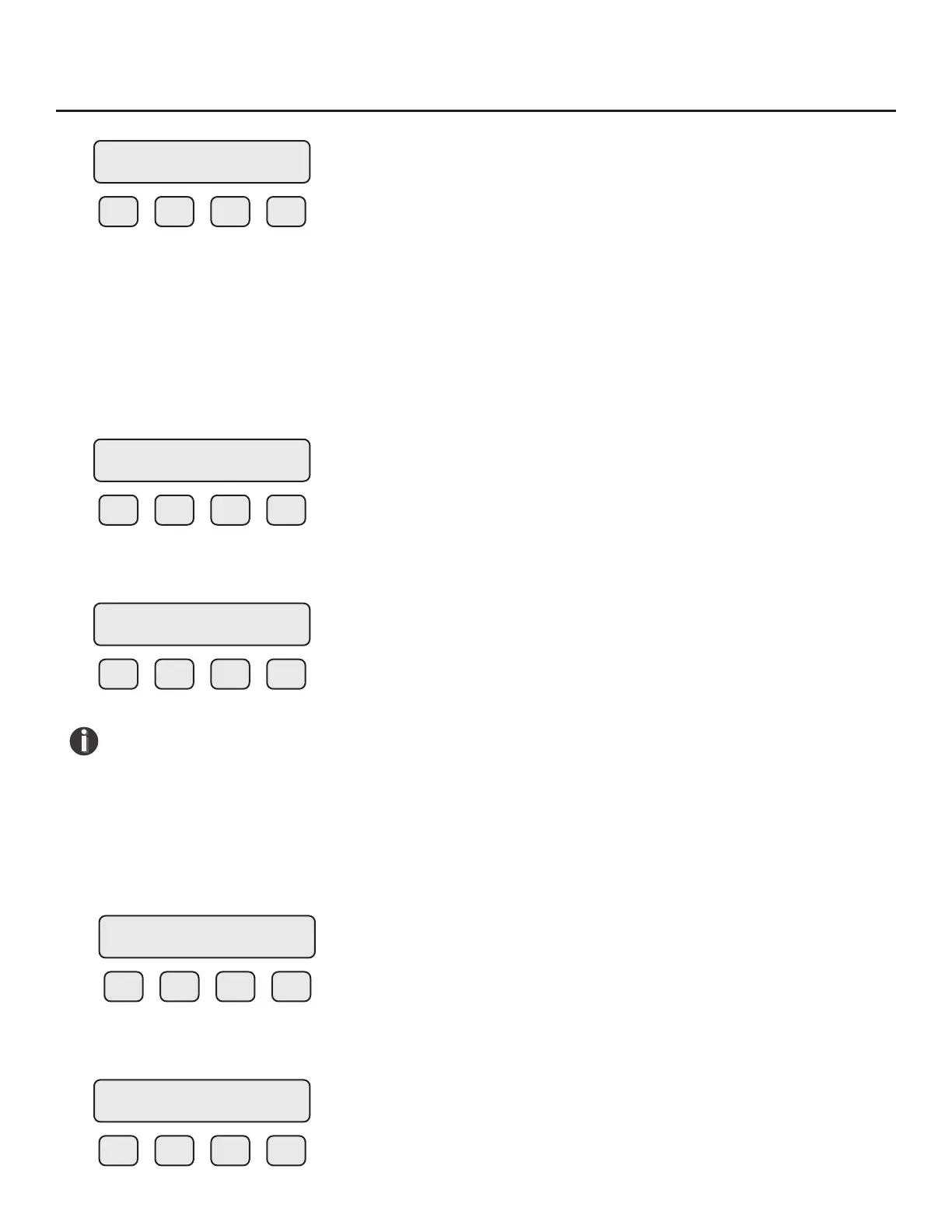
Press FLO (F2) from the SET PARAMETERS menu. The display will show:
F1 F2 F3 F4
Press DGN (F1). The display will show:
F1 F2 F3 F4
NOTE! For best results:
• Use the factory-supplied PVC sensor protector (see Fig. 4.5 on p. 79).
• Place the meter upside-down on a at, solid surface before starting the test.
• Do not allow the meter to move during the test. Make sure the sensor is stable and the
sensor is completely isolated throughout the test.
Press TST (F2). The display will show:
F1 F2 F3 F4
Press ZRO (F2) to choose the type of Zero CAL-CHECK
™
test.
F1 F2 F3 F4
Di=x.xxx %
Passed OK
FLOW PARAMETER 1
DGN UNT PRM EXIT
DIAGNOSTIC
SIM TST EXIT
DIAGNOSTIC
CALV ZRO EXIT
ZERO CHK MENU
PIP BTL EXIT
Operation | 87
Model FT3
Operation



 To Next Page