Enabling/Disabling the Infrared Keypad (IR keys)
The IR keys may be disabled using this menu to avoid being triggered by frost or snow on the
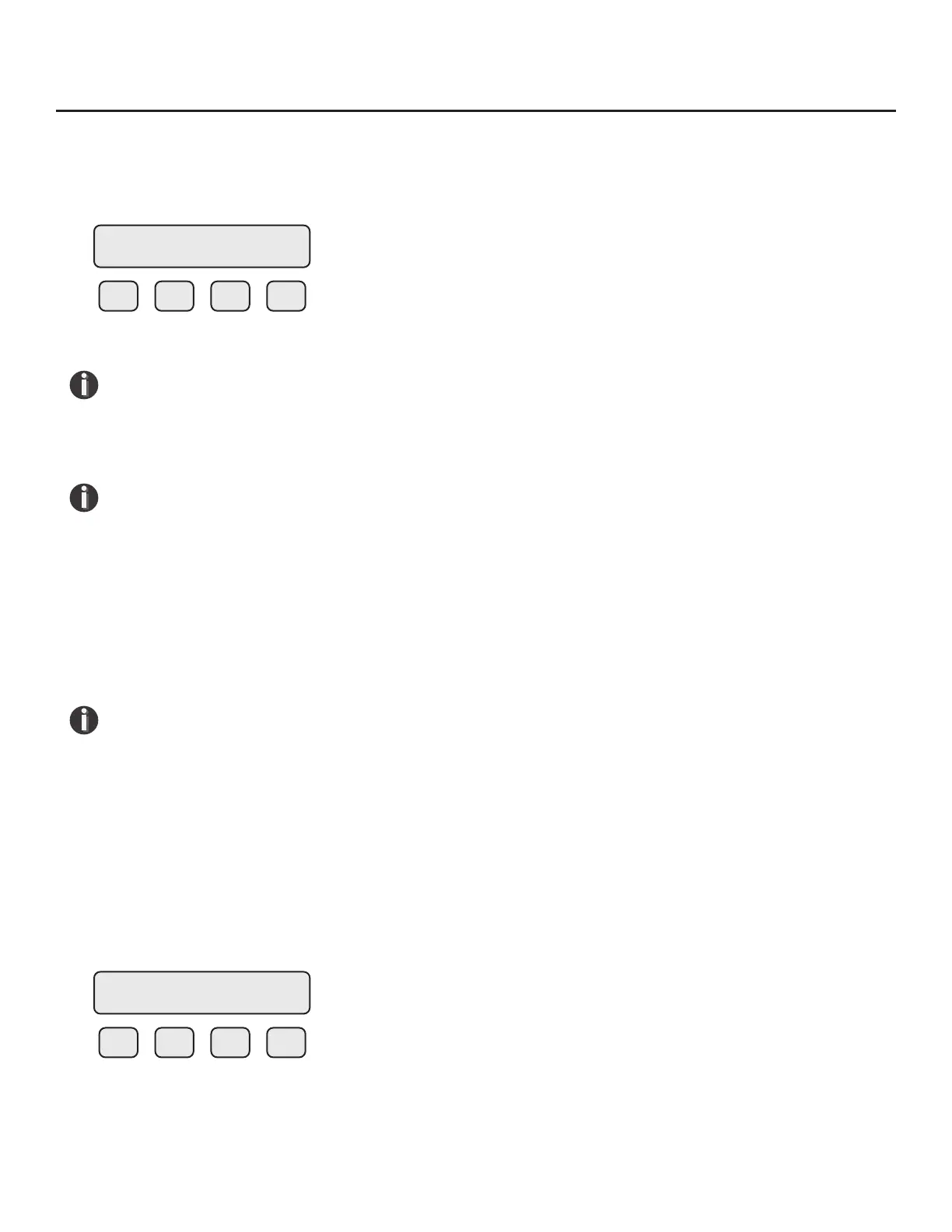
window. This menu is accessed by pressing DSP (F3) from the SET PARAMETERS menu then IR (F2):
F1 F2 F3 F4
Press NXT (F1) key to enable or disable the IR keys.
NOTE! After selecting “Disable” and pressing OK (F4), the IR keys will no longer operate. It
will be necessary from now on to open the cover and operate the conguration panel using
the mechanical push buttons. To return to the normal display mode, use the mechanical
buttons to enable the IR keys.
NOTE! The IR keys are disabled for 1 minute when a mechanical key is used, to prevent
accidentally activating the IR keys.
Calibrating the Infrared Keypad (IR keys)
The IR keys are calibrated in the factory before shipment, but conditions in the eld may alter the way
the keys read. To allow the IR keys to perform better, it may be necessary to calibrate the keys in the
eld.
Use your nger to activate the IR keys using this process.
NOTE! Your nger must activate each key approximately 0.1” to .5” from the surface of the
glass.
To begin the IR key calibration process, turn o power to the FT3 and then turn on power while
placing your ngers on the (F3) and (F4) IR keys at the same time. Activate IR key (F1) to conrm to
begin the IR key calibration. Hold your nger over IR key (F1). In 10 seconds the power level of the IR
key (F1) will be displayed and automatically increase until activation is detected. This will be repeated
for calibration of the (F2), (F3) and (F4) keys.
To check the calibration values of the IR keys, turn o power to the FT3, then turn on power to the FT3
while placing your nger on the (F1) IR key. The display will show the values (example here):
F1 F2 F3 F4
IR KEY= Enabled
NXT OK
IR = 3,3,3,3
Operation | 89
Model FT3
Operation



 To Next Page