PostBase Mini
16
PostBase Mini comes with pre-set connec-
tion settings that should work in most cases.
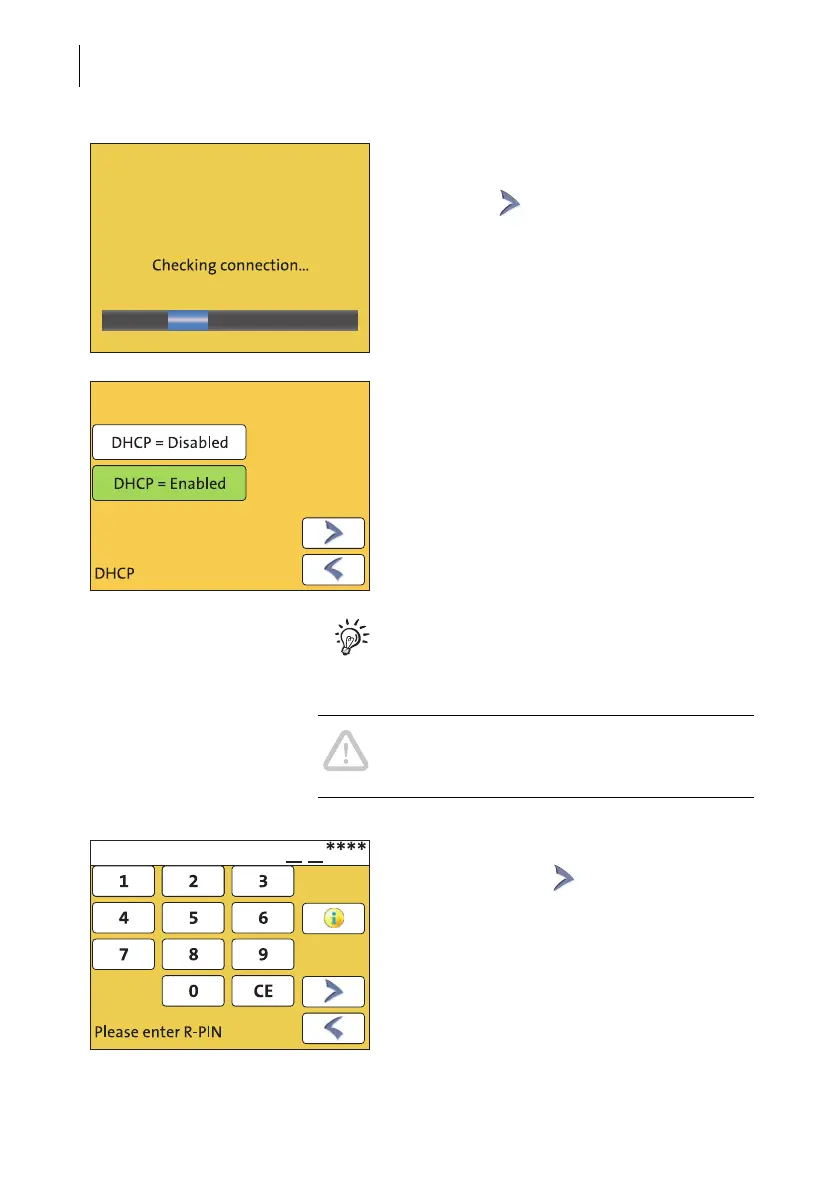
• Press the button to use these settings.
PostBase Mini tests the connection to the FP
Infrastructure.
If no connection can be established, the wiz-
ard for entering connection parameters is
opened.
• If necessary: Enter the connection para-
meters. If need be, ask your network
administrator for details.
For details on possible settings, please read
the appendix “Connection settings (Over-
view)” in the “First steps” Operator Manual.
Caution! PostBase Mini may reboot several
times during installation. Do not unplug the
machine!
• Enter the Repository-PIN (R-PIN).
• Confirm with the button.
PostBase Mini now downloads the software
and data, then reboots.
• Follow the instructions on the display.



 To Next Page