Setting the franking imprint
33
5 Setting the franking imprint
This chapter describes the required settings for franking and the additional possible
advertising imprint:
– Postage / postal product (see chapter 5.1)
– Advertising imprint (see chapter 5.2)
– Date (see chapter 5.3).
Detailed information on the franking imprint of your postal service can be found in the
country-specific addendum.
For information on how to use the optional PC control software from Francotyp-
Postalia (e.g. Navigator, RemoteOne) to set the franking imprint, please refer
to the manual provided with the software.
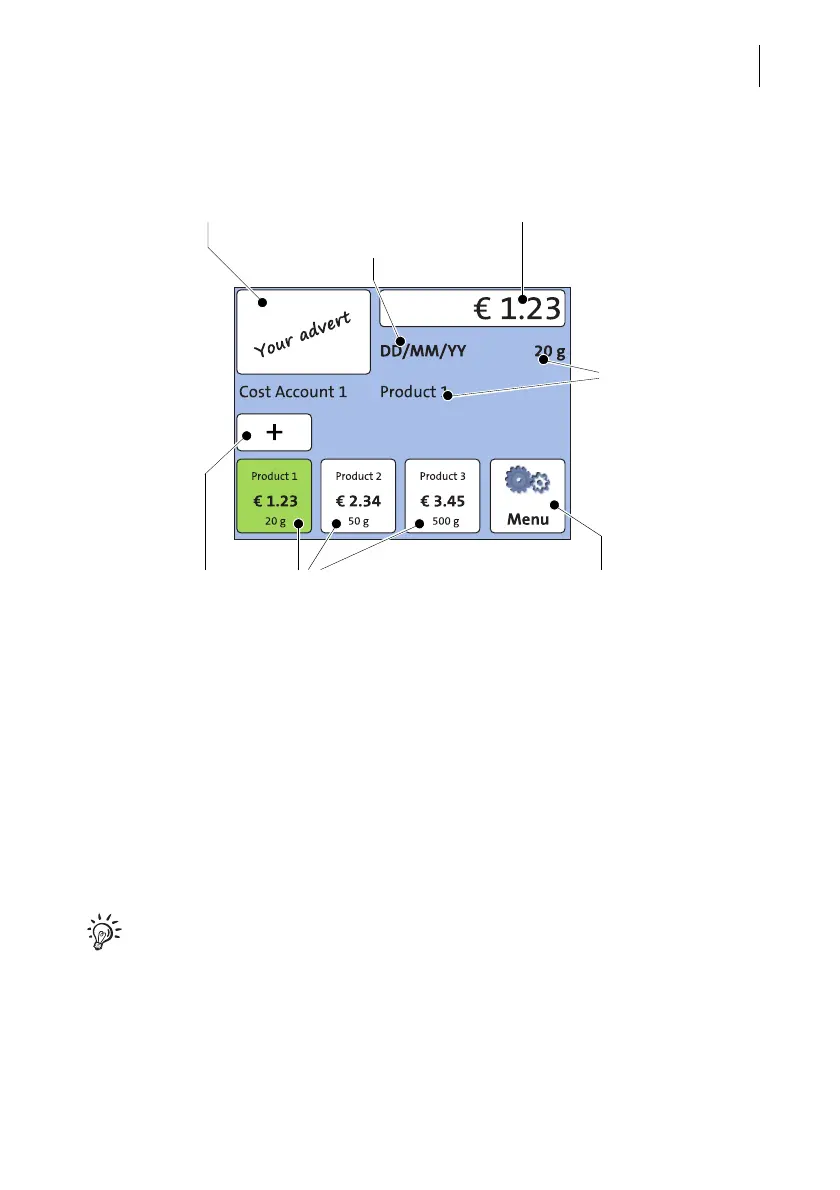
Set advertising imprint Set postal product / postage
Product details
Shortcuts
(set postal product)
Open list with further
shortcuts
Open the Menu:
– setting date
– changing account
Date



 To Next Page