Tips for troubleshooting
79
13 Tips for troubleshooting
13.1 Error messages
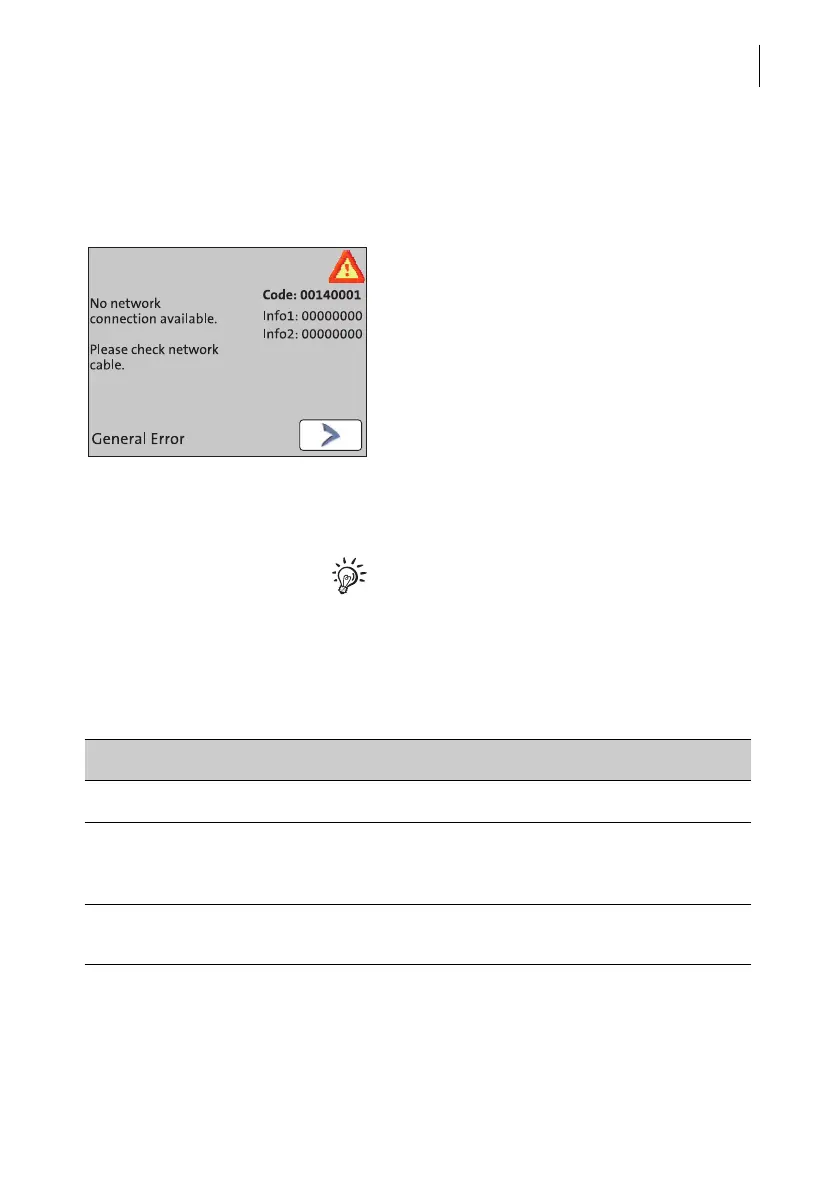
An error message appears on the display in
case of an error or handling error. An addi-
tional beep may also indicate an error.
Make sure to carefully read the error mes-
sage. You will be given hints on the error
cause and what you can do to remedy it.
A symbol indicates the error group (e.g.
‘Communication error’). For an overview of
error group symbols, refer to page 98.
You can correct many minor errors and
issues occurring during PostBase Mini
operation yourself.
Please contact the Customer Support if you
cannot remedy an error by means of the
display information and the hints given in the
present Operator Manual.
13.2 Problems and remedies
Problem Possible cause and remedy
… during installation
Blank display Check whether the power supply unit and the power
cable are connected correctly and the PostBase Mini
is turned on.
Delivery is incomplete /
damaged
Do not start operating the PostBase Mini.
Call the Customer Support.



 To Next Page