The basics of operation
29
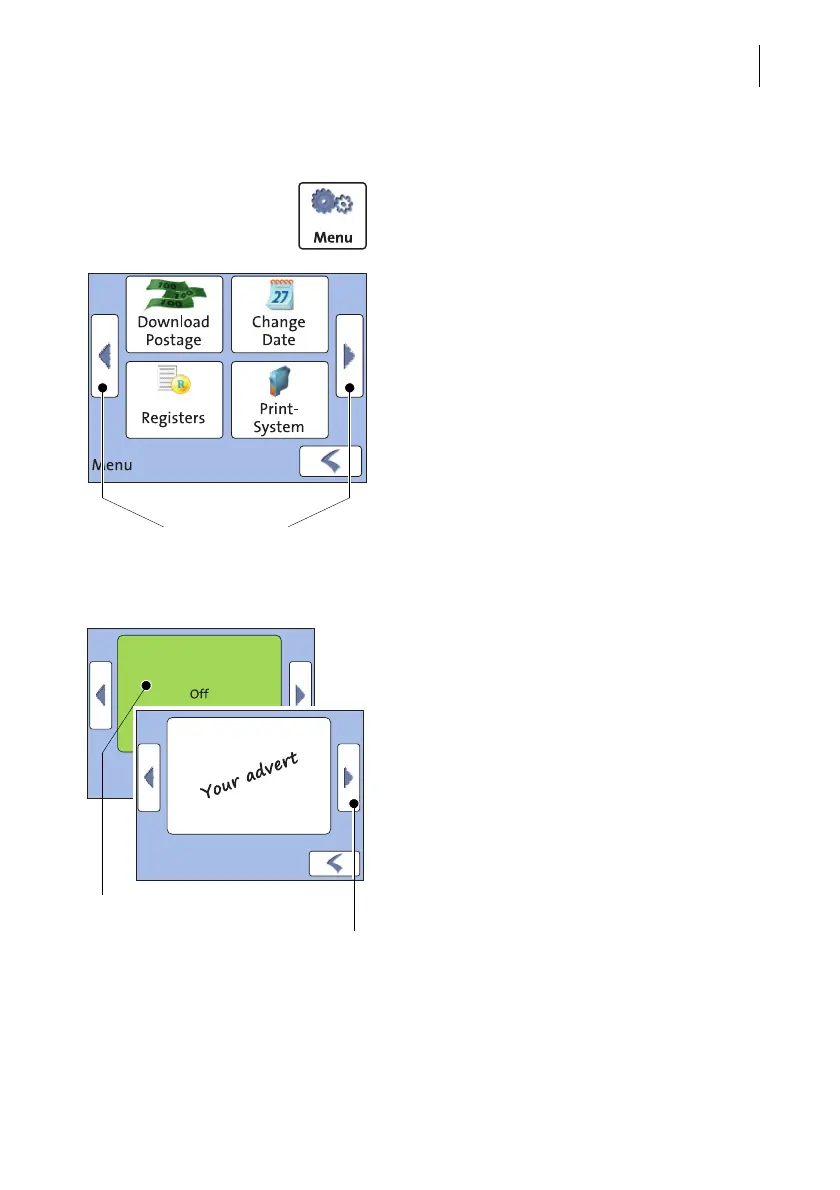
4.3.4 The Menu
Use the MENU button to open the Menu. From
this Menu, you can access the basic settings,
administration, and service functions.
Use the arrow buttons to scroll to the next
page and back in the Menu.
4.3.5 Lists
Lists (e.g. for adverts) offer all available set-
tings. The current setting is shown with a
green background.
Use the arrow buttons to scroll forward or
backward.
Press the respective button to select one of
the provided settings.
Menu (example)
More functions
Current setting
Further
available options



 To Next Page