The basics of operation
31
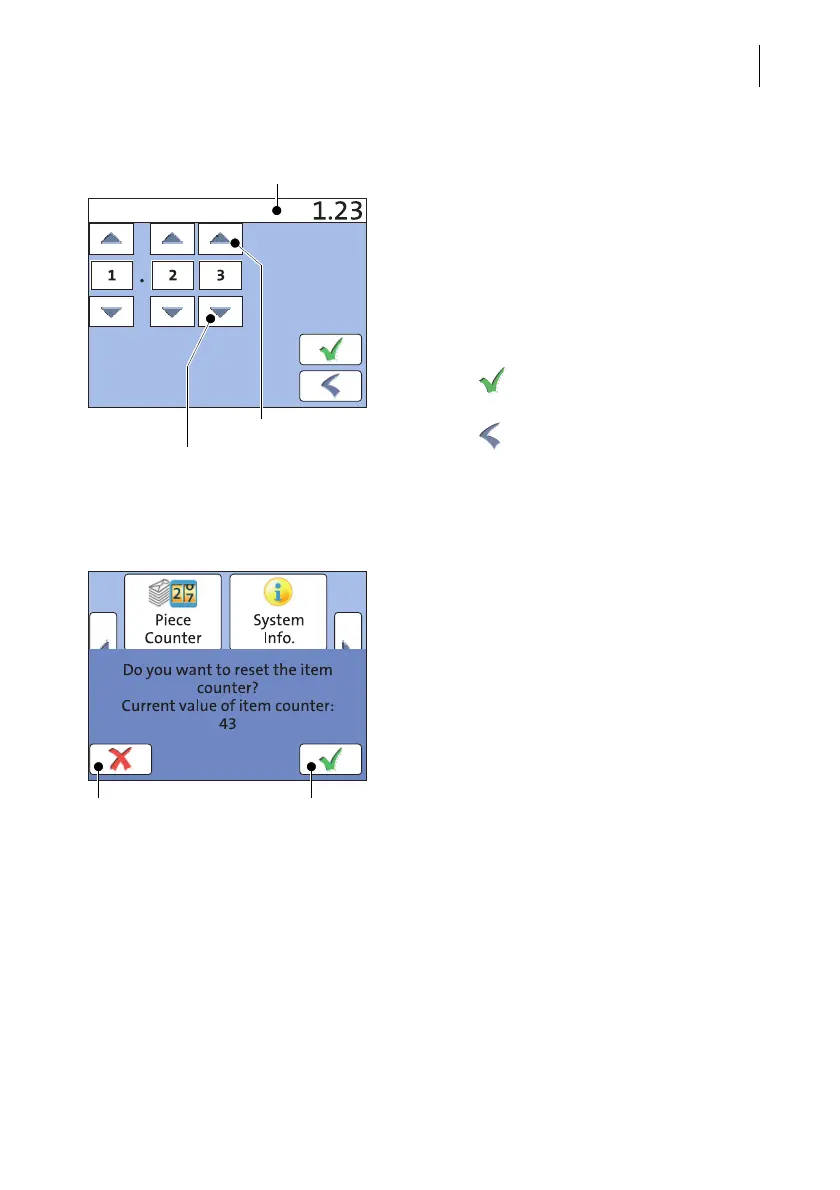
Input using the counter principle
(not in all countries)
For some particular settings, PostBase Mini
may require you to enter values via a counter
principle.
Mode of operation: Use the arrow buttons to
increase or decrease the figure in each digit
until the desired amount is displayed in the
top of the display.
Press the button to save the displayed
amount.
Press the button to leave the adjustment
menu without saving any changes.
4.3.7 Pop-up windows
For some settings, a window covering parts
of the current window opens (pop-up
window). The pop-up prompts you for an
action. Messages and the ‘PC Mode’ (using
the PC control software for PostBase Mini)
also appear as a pop-up.
Some pop-up messages feature auto-confir-
mation, i.e. they automatically close after
some time.
Increase
Display field
Decrease



 To Next Page