PostBase Mini
22
4 The basics of operation
In this chapter, you will learn about the basic functions of the PostBase Mini and how
to handle the touch screen.
4.1 Turning the PostBase Mini on / off
Turning on
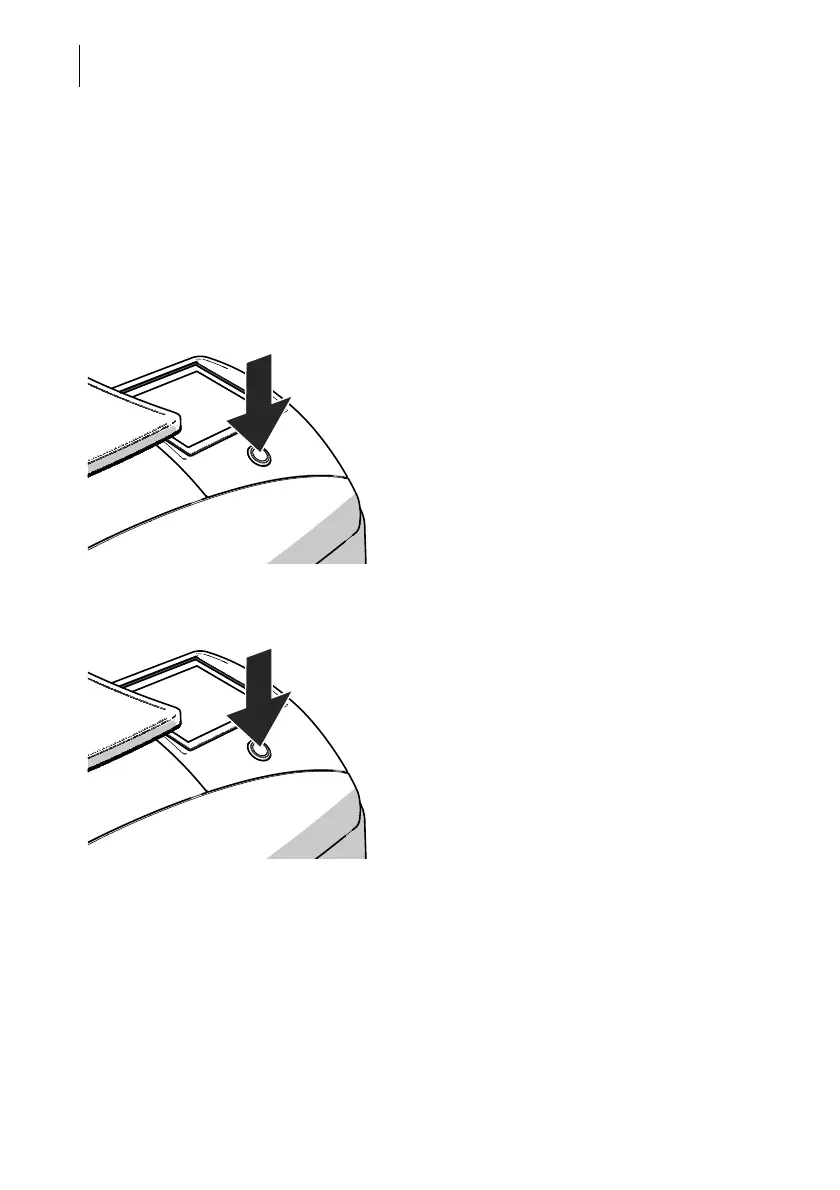
• Press the button on the operating panel.
The display lighting and button illumination
switch on. The PostBase Mini performs a self
test and then displays the Home screen.
When access control is active, PostBase Mini
prompts you to enter the PIN during the start
routine.
Turning off
• Press the button for three seconds.
The PostBase Mini will complete any current
actions and then switches off. The display
light and button illumination go out and the
touch screen is deactivated.



 To Next Page