Maintenance and care
71
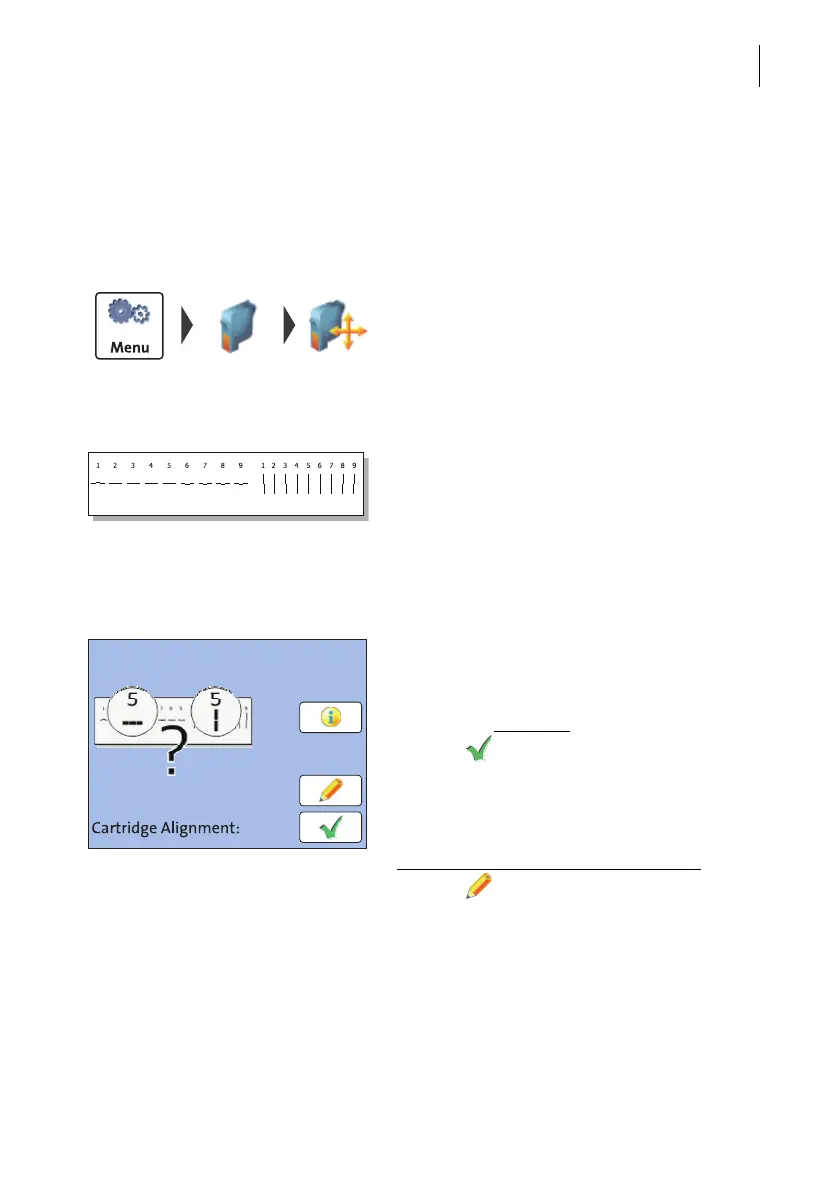
12.4 Aligning the ink cartridge
You must align the ink cartridge when there are shifts in the franking imprints.
Alignment will ensure your imprints are free of shifts.
Starting the alignment procedure
• Open the M
ENU.
• Select P
RINT SYSTEM.
• Select A
LIGNMENT.
• Insert an empty envelope or a folded sheet
(folded edge first) into the letter slot.
The PostBase Mini prints a test print.
• On the test print, determine the numbers
where
– the horizontal lines are as exactly next to
each other as possible and
– the vertical partial lines are as exactly
above each other as possible.
Correctly aligned
The ink cartridge is correctly aligned when
horizontal and vertical partial lines form one
line each at number 5
.
• Press to quit the procedure.
Not aligned correctly
When horizontal and / or vertical partial lines
do not form one line each at number 5
:
• Press to continue the procedure of ink
cartridge alignment.



 To Next Page