PostBase Mini
56
11.6 Product after Standby (not in all countries)
This feature lets you define which product will be set for franking after reactivating
PostBase Mini from standby:
– the product stored as shortcut 1
– the product that was last used.
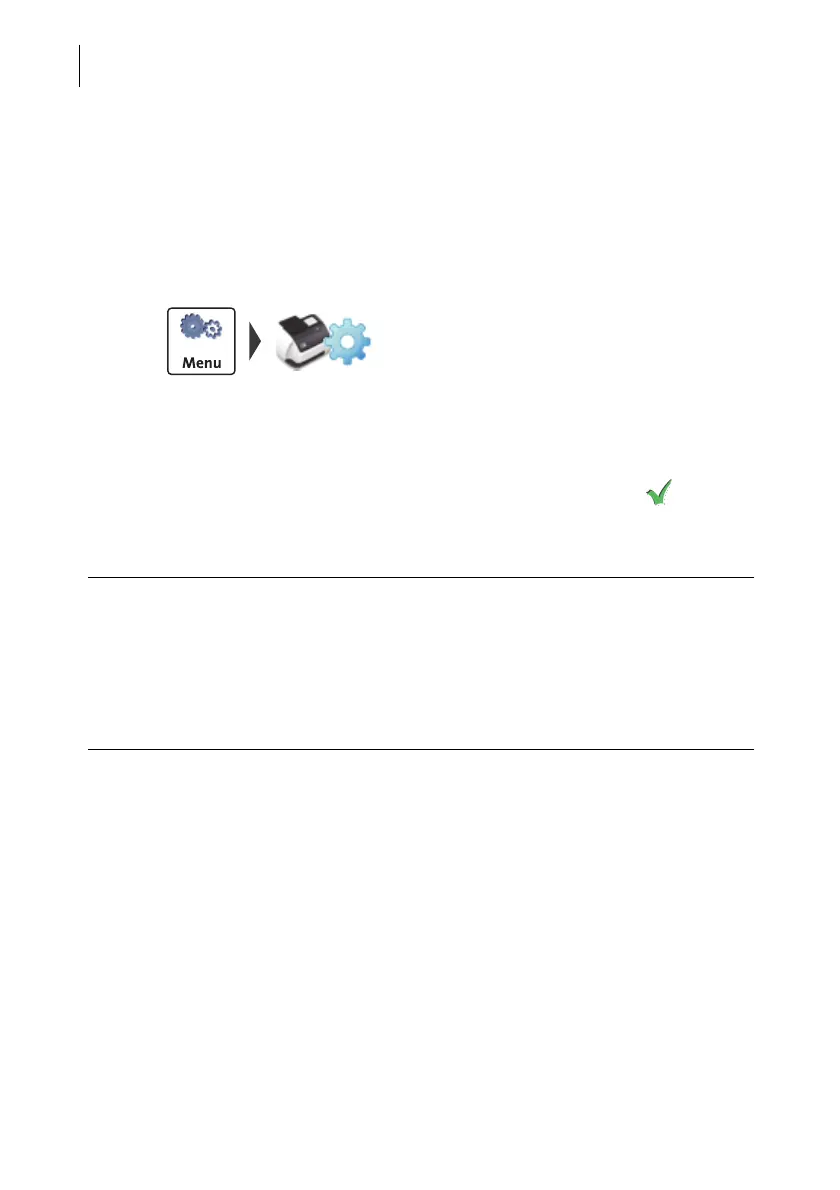
• Open the MENU.
•Select P
ROD. AFTER STANDBY.
PostBase Mini opens the adjustment menu
for this function. The current setting is shown
on a green background.
• Select the desired setting.
• Save the setting shown with .
Product after Standby – possible settings and their meaning:
SHORTCUT 1 After reactivating PostBase Mini from
standby, the product stored as shortcut 1
is set.
LAST PRODUCT After reactivating from standby,
PostBase Mini keeps the current (last)
product setting.



 To Next Page