Installation and commissioning
15
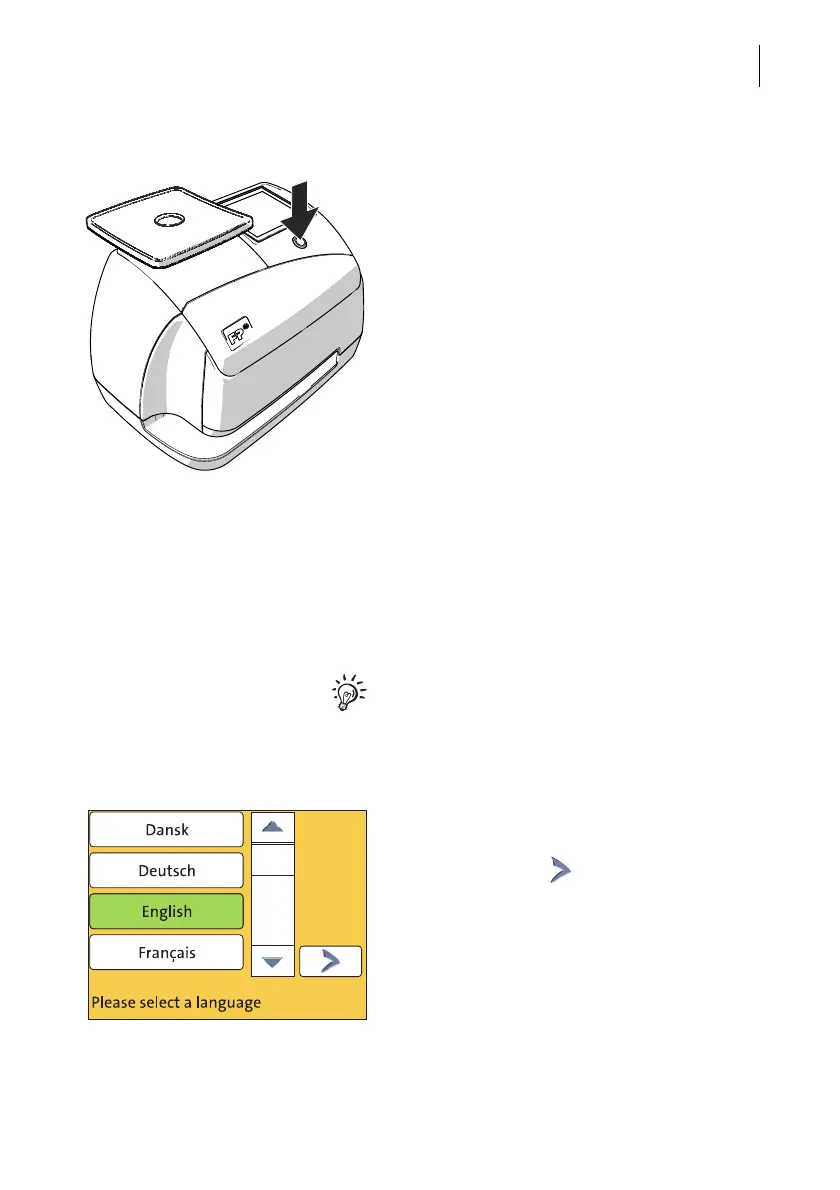
Step 5: Turning the PostBase Mini on
• Press the button on the operating panel.
The display lighting and button illumination
switch on. PostBase Mini performs a self test
and then starts the installation procedure.
Step 6: Installing PostBase Mini
PostBase Mini will guide you step by step
through the installation procedure. This
chapter covers a selection of the most impor-
tant steps. Follow the instructions on the
display.
For information on handling the touch screen
and an overview of screen elements, please
read chapter 4.3.
• Have the R-PIN ready (received seper-
ately).
• Touch the button with the desired
language.
• Confirm with the button and continue
the installation procedure.



 To Next Page