Franking
43
6.4 Displaying and resetting the piece counter
Apart from the counter for franking imprints in the register and the account counters,
the PostBase Mini features a piece counter for franking imprints you can use as you
like. The piece counter counts all franking imprints. You can reset this piece counter
to zero or use it as a daily or job counter.
Displaying current counter value
• Open the M
ENU.
• Select P
IECE COUNTER.
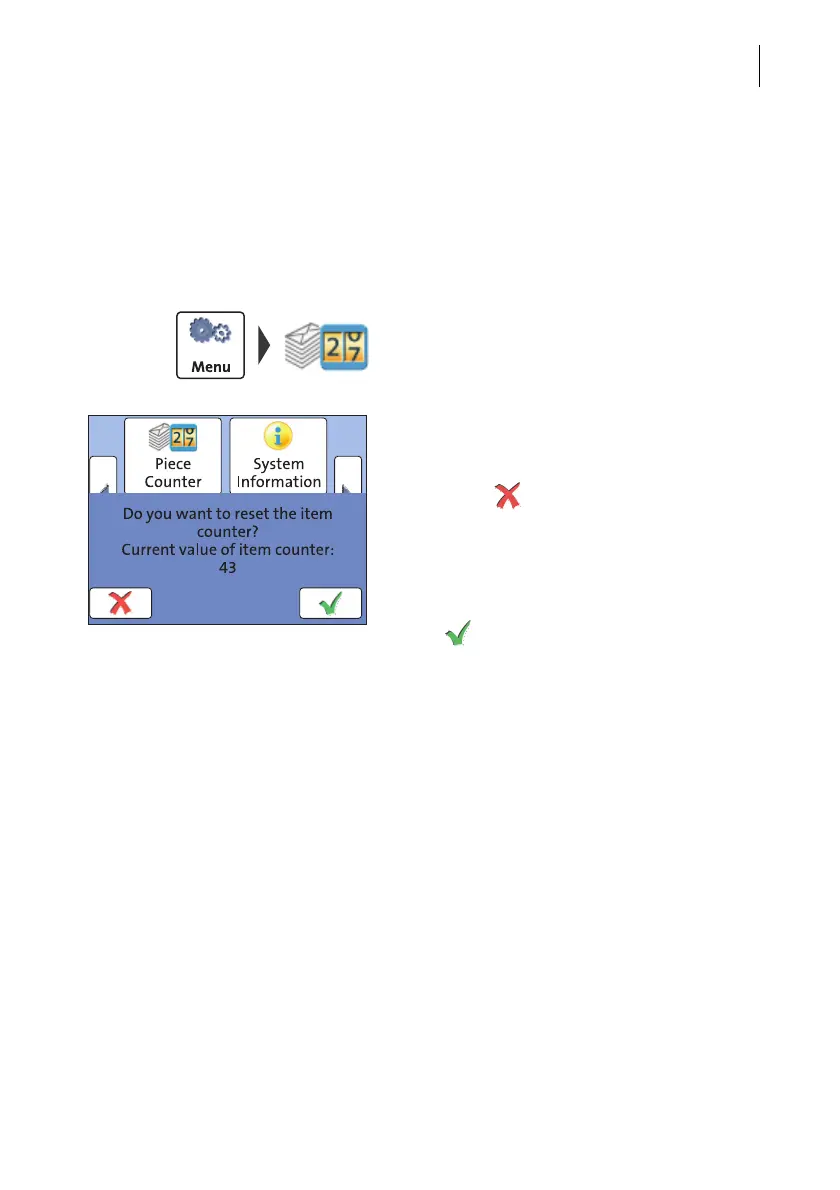
The PostBase Mini opens a pop-up
displaying the number of franked mail pieces
since last resetting the piece counter.
• Press the button to return to the M
ENU
without clearing the counter.
Resetting the piece counter to zero
• In the pop-up, acknowledge the query with
the button.
The piece counter is reset to zero.



 To Next Page