Setting the franking imprint
39
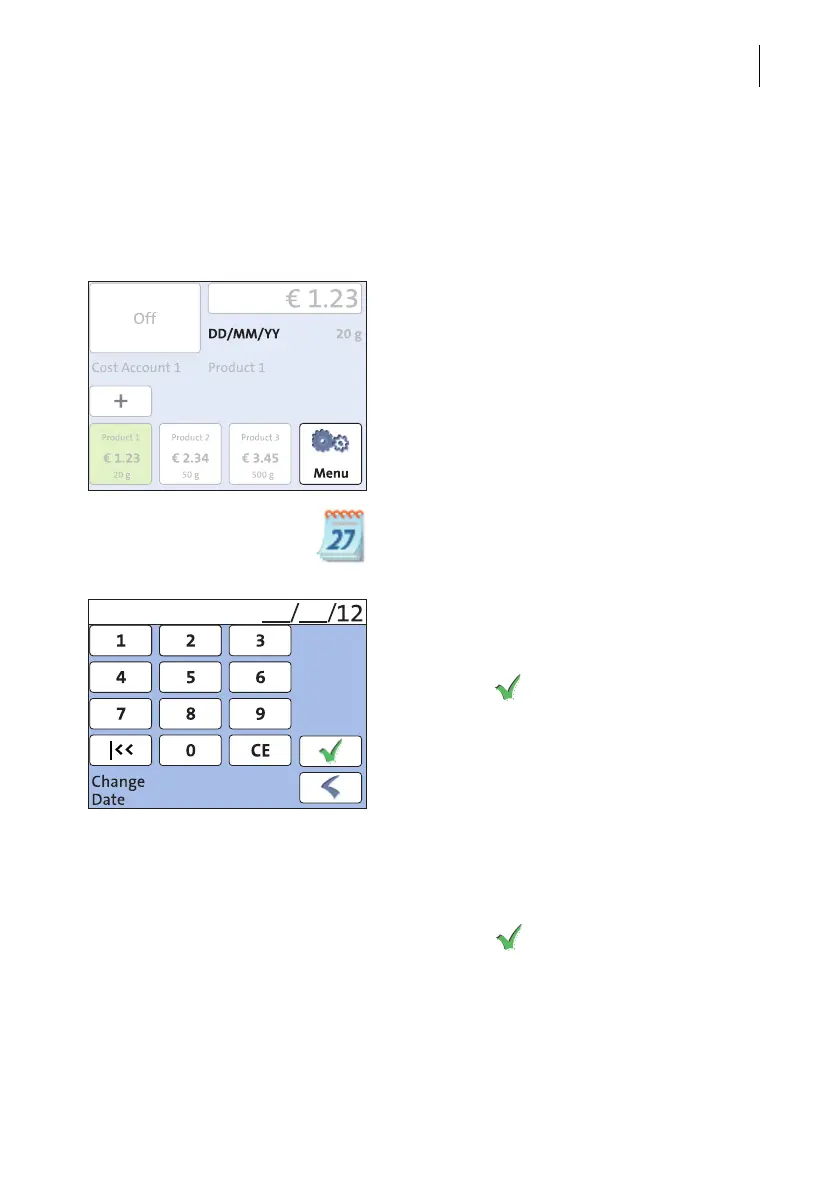
5.3 Date (not changeable in all countries)
The date for the franking imprint is set automatically to the current date by the built-
in clock. You can forward the date for the franking imprint. The PostBase Mini rejects
invalid input, e.g. a franking date too far in the future or backward dating.
Setting the franking date
In the Home screen:
• Press the M
ENU button.
• Select C
HANGE DATE.
PostBase Mini opens the C
HANGE DATE
adjustment menu.
• Type the date.
You can press the |<< button to reset the
franking date to the current date.
• Press the button to save the displayed
date.
The Home screen shows the currently set
date.
Franking without date (not in all countries)
In the CHANGE DATE adjustment menu:
• Clear the displayed date with CE.
• Press the button to save the setting.



 To Next Page