Maintenance and care
65
12 Maintenance and care
Have your PostBase Mini cleaned and serviced regularly by an authorised service
staff. This guarantees long-term, trouble-free operation. Ask about our low-cost care
and maintenance agreement.
You can do the following work yourself:
– Cleaning housing exterior
– Changing / aligning the ink cartridge
– Cleaning the print system
– Replacing the battery.
Only when prompted by Francotyp-Postalia
: start the ‘Temp. Calibration’ service
function.
12.1 Cleaning the PostBase Mini
Warning! Unplug the mains plug prior to cleaning the PostBase Mini franking
machine.
Warning! Handle liquids with care. Make sure that no foreign objects can
reach the interior of the franking machine. If this happens nevertheless: Have
the franking machine checked by the after-sales service before using it again.
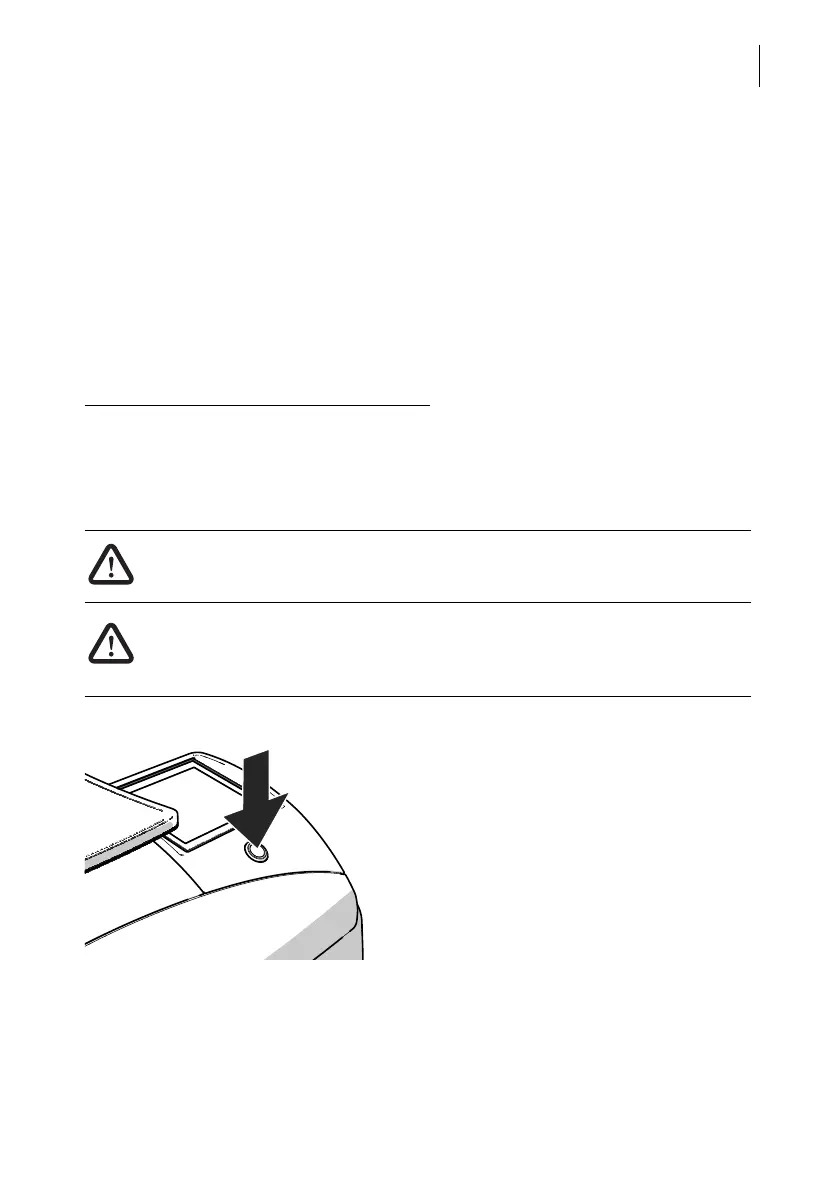
How to clean the franking machine
• Turn off the franking machine.
• Unplug the mains plug of the power supply
unit from the socket.
• Clean dirt from the housing with a slightly
damp cloth. You can also use a commer-
cially available dishwashing detergent.



 To Next Page