PostBase Mini
44
6.5 Using PostBase Mini in ‘PC Mode’ (optional)
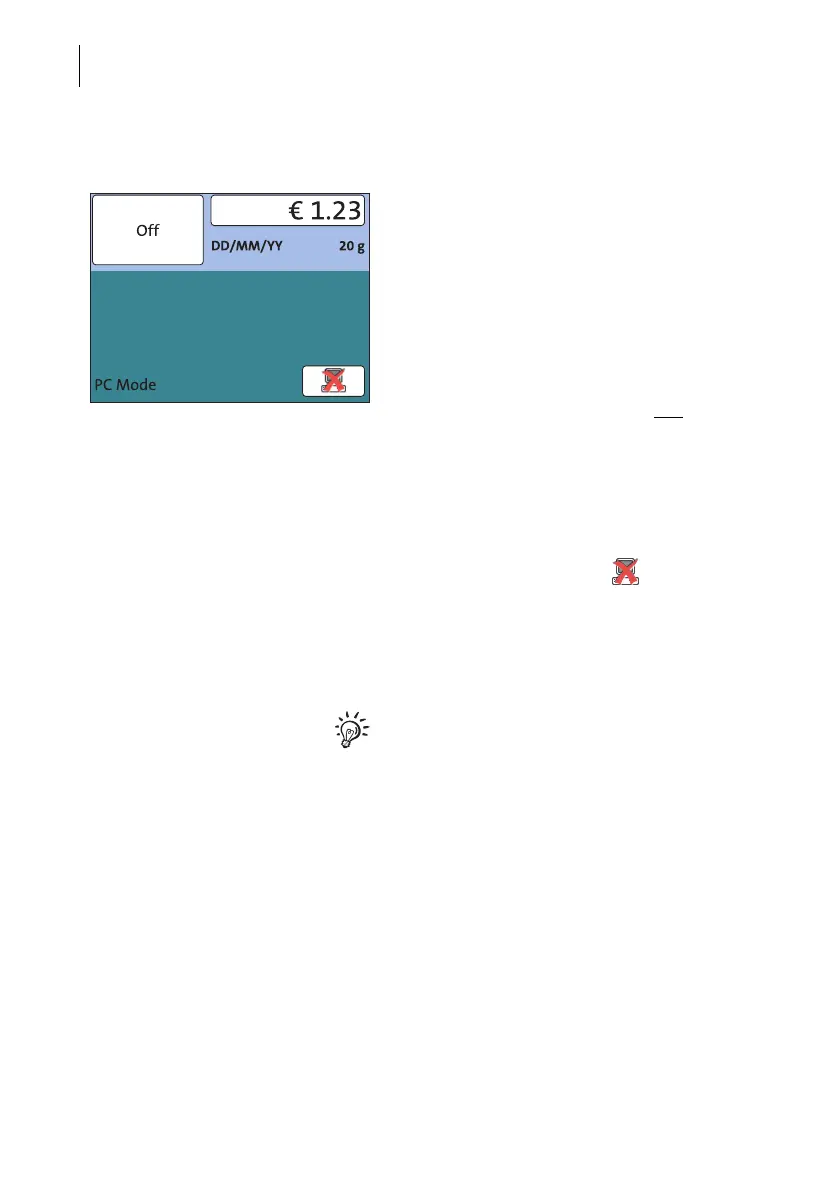
When PostBase Mini is connected to a PC
via the optional FP software (e.g. Navigator,
RemoteOne), a corresponding pop-up is
shown (similar the example shown left).
Access to the imprint settings and menu
functions is blocked on the PostBase Mini
while in ‘PC Mode’.
All imprint settings are done on the PC. The
current settings (postage, advertising imprint
and date) are shown on the PC and
in the
display of the PostBase Mini.
Position a letter on the PostBase Mini as
usual to frank it.
Quit ‘PC Mode’
• In the pop-up, press the button.
The connection between PostBase Mini and
the PC is disconnected. Menu and imprint
settings are accessible via the PostBase Mini
touch screen again.
For information on how to use the PC control
software from Francotyp-Postalia, please
refer to the manual (integrated help feature)
provided with the software.



 To Next Page