The basics of operation
25
Buttons
You distinguish buttons from the screen
background by a frame. They can have vari-
ous states, depending on the function:
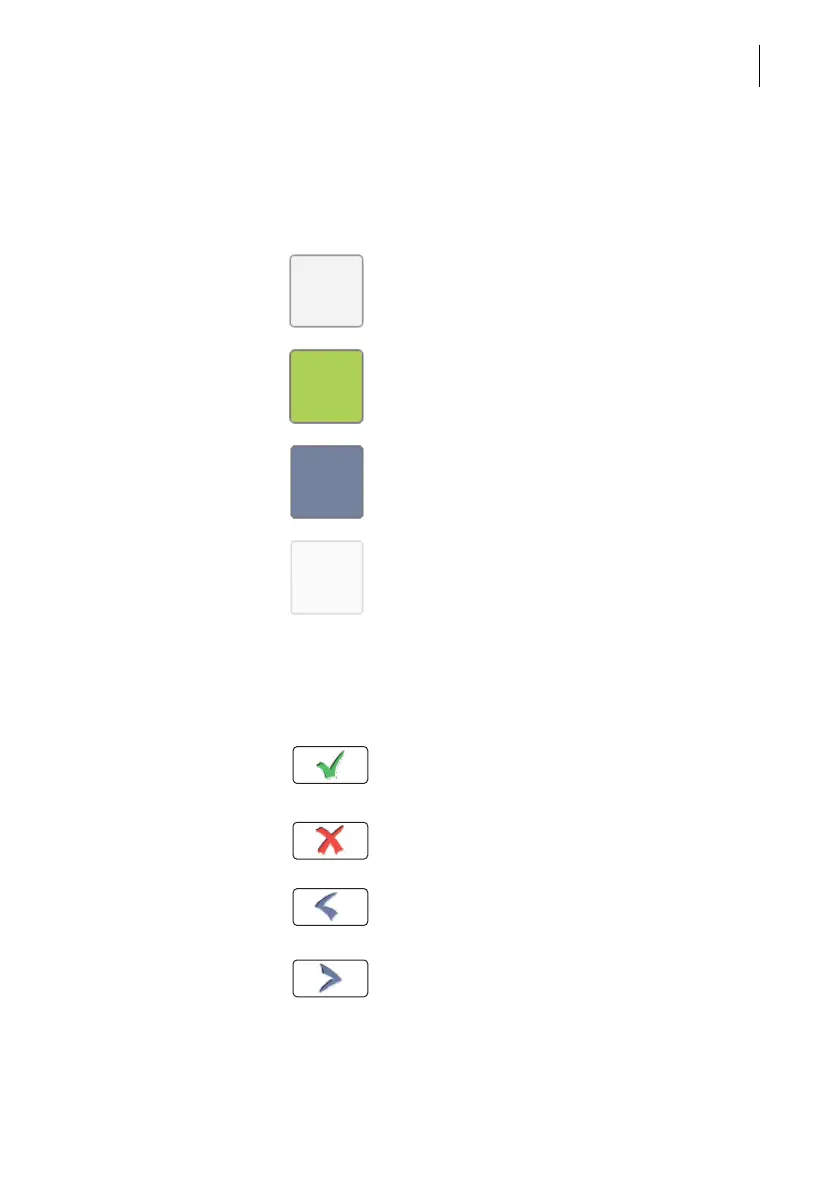
Button can be pressed / is active.
Button is selected.
Button is being pressed.
Button cannot be pressed / is deactivated.
Standard buttons
The term ‘standard button’ refers to common
functions like:
OK / Save – confirm an entry, a message,
a security prompt.
Save the displayed setting.
Cancel – abort entry / function.
Back – to the previous window / higher-level
menu. Go back one step / level.
Continue – acknowledge a message,
accept the current setting and proceed to the
next step.



 To Next Page