Advanced settings & system information
63
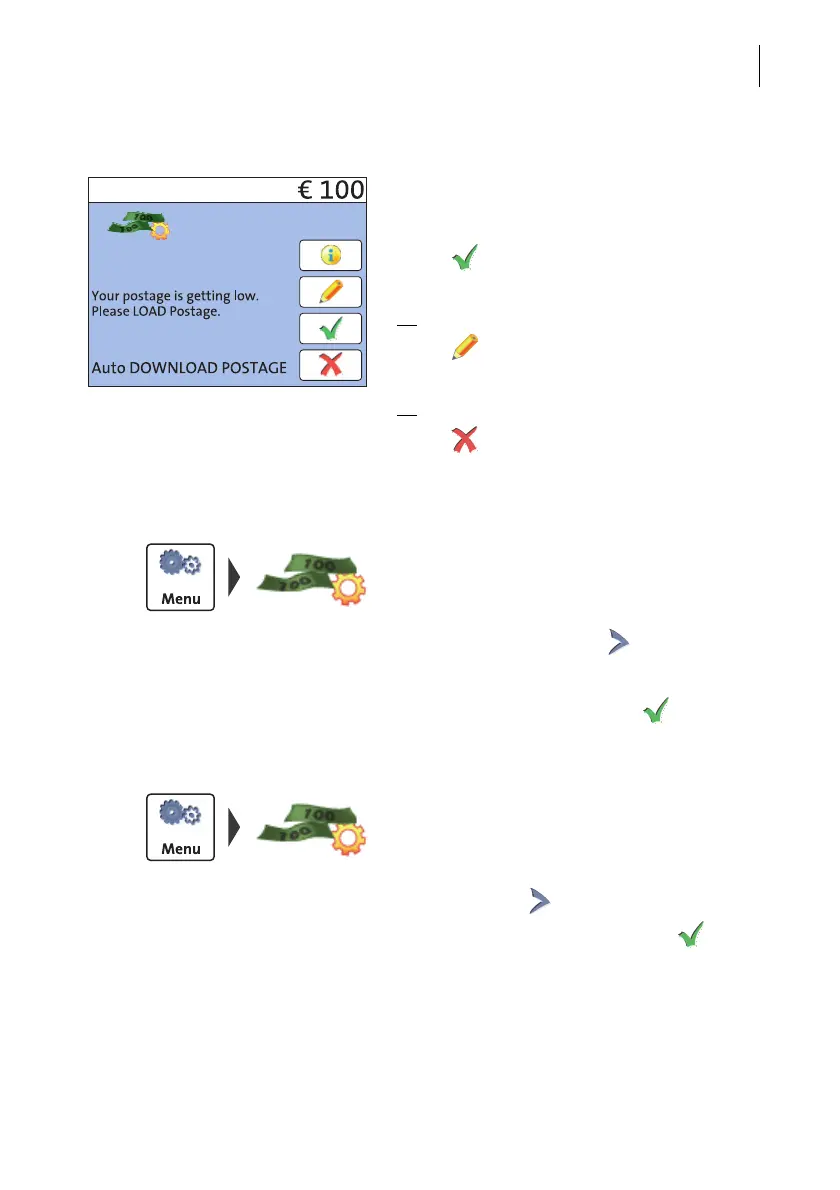
Performing Auto Postage Download
When the remaining postage reaches the
threshold, PostBase Mini opens an appro-
priate screen with the following options:
• Use to load the displayed amount
directly.
Or
• Use to change the displayed amount,
then load postage.
Or
• Use to quit Auto Postage Download
and load postage later.
Change threshold
• Open the M
ENU.
• Select A
UTO POSTAGE.
•To C
HANGE the threshold (option is already
selected), continue with .
• Type the new threshold.
• Save the setting shown with .
Disable ‘Auto Postage Download’ feature
• Open the M
ENU.
• Select A
UTO POSTAGE.
• Select the T
URN OFF option.
• Continue with .
• Confirm the security prompt with .
Auto Postage Download is disabled.



 To Next Page