Maintenance and care
67
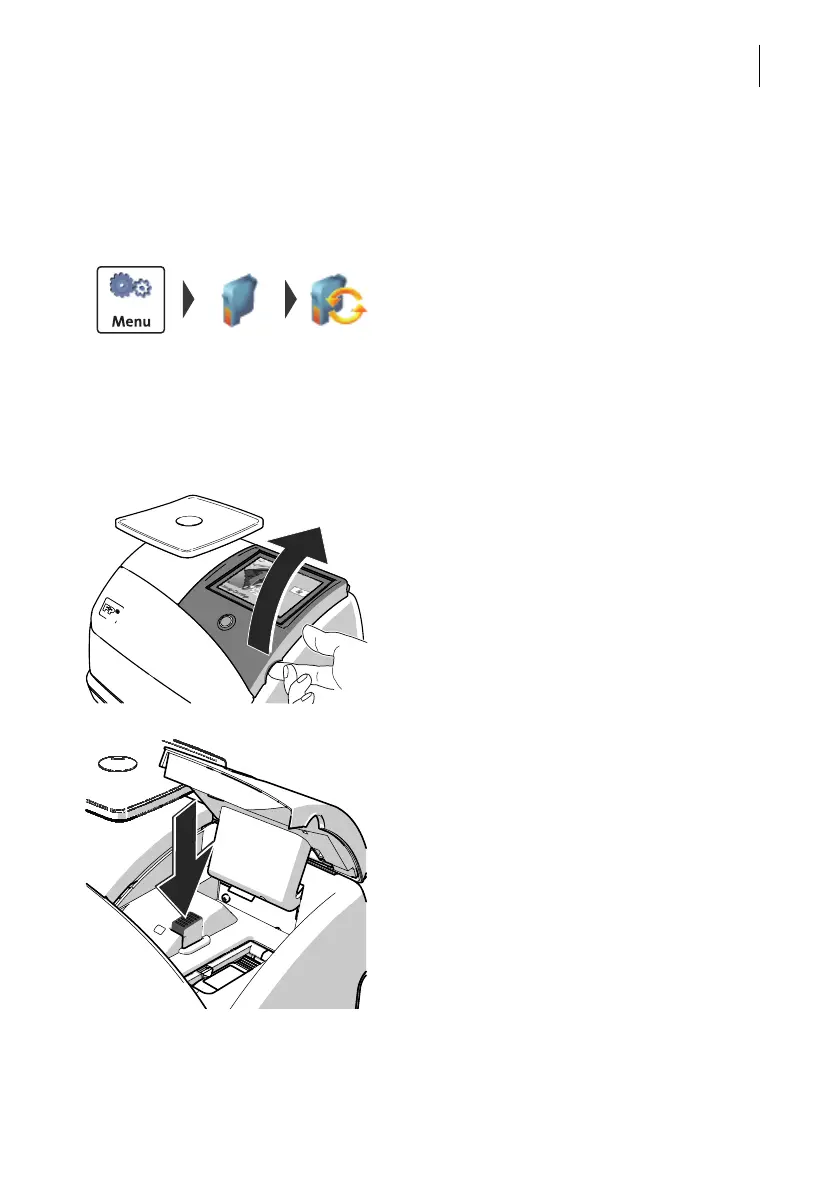
Changing the ink cartridge
The PostBase Mini will prompt you to replace
the cartridge when it is depleted.
• Acknowledge the message.
• Open the M
ENU.
• Select P
RINT SYSTEM.
• Select C
HANGE CARTRIDGE.
The PostBase Mini moves the ink cartridge to
the exchange position. The exchange proce-
dure starts.
Removing the ink cartridge
• Lift up the operating panel as far as it goes.
You can feel it engage.
• Unlock the ink cartridge:
Press the green release key.



 To Next Page