Appendix – User interface symbols (overview)
97
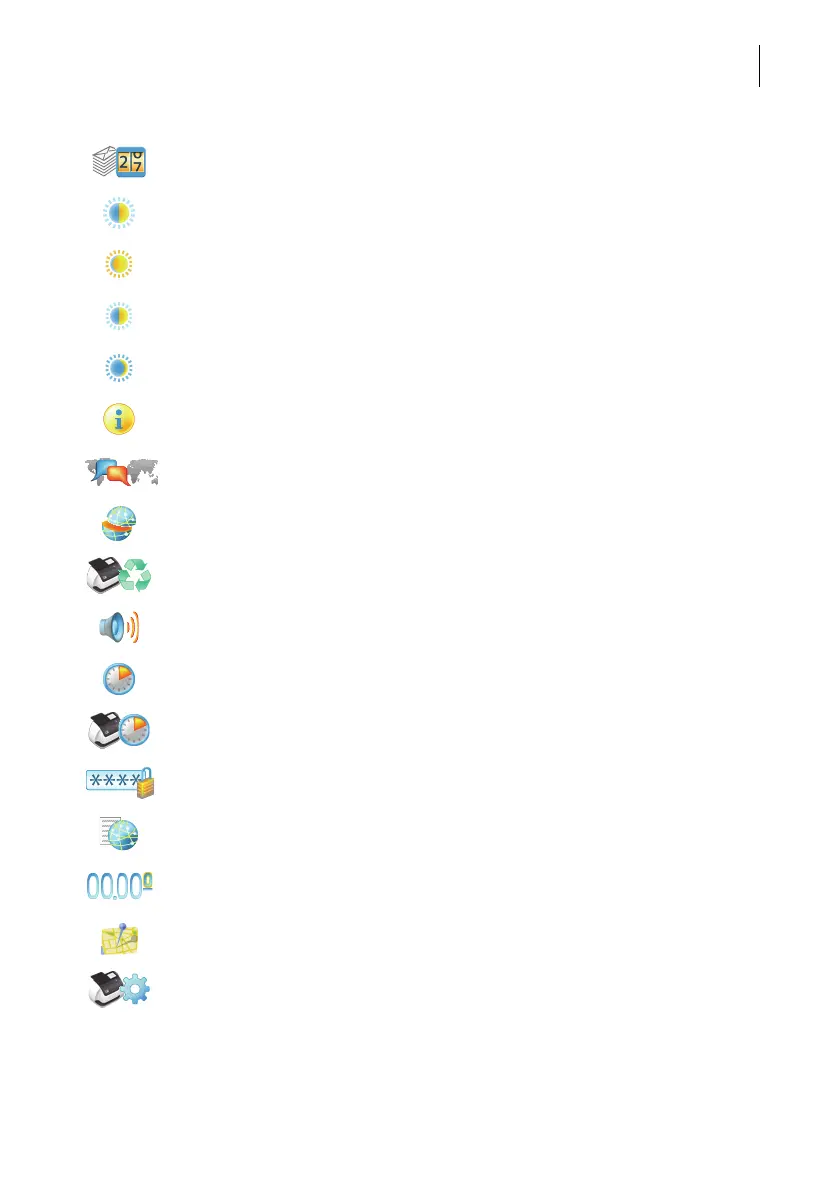
Display / clear down piece counter
Adjust display brightness
Brighter
Default
Darker
Display system information (postal serial number, software version,
rate table version, …)
Change language
Display / edit connectivity settings
(network connection)
Withdraw machine (not in all countries)
Set sound signals
Adjust standby times
Configure ‘Auto Off’ feature / adjust ‘Auto Off’ time
Configure access control / set PIN
Display contact information
Set meter type (not in all countries):
0.00 (postage in integer cents) or 0.000 (postage in tenths of cents.)
Change Postal Code (ZIP) / place of posting (not in all countries)
Product after Standby (not in all countries)



 To Next Page