9
1 INTRODUCTION
FOOTSWITCHES
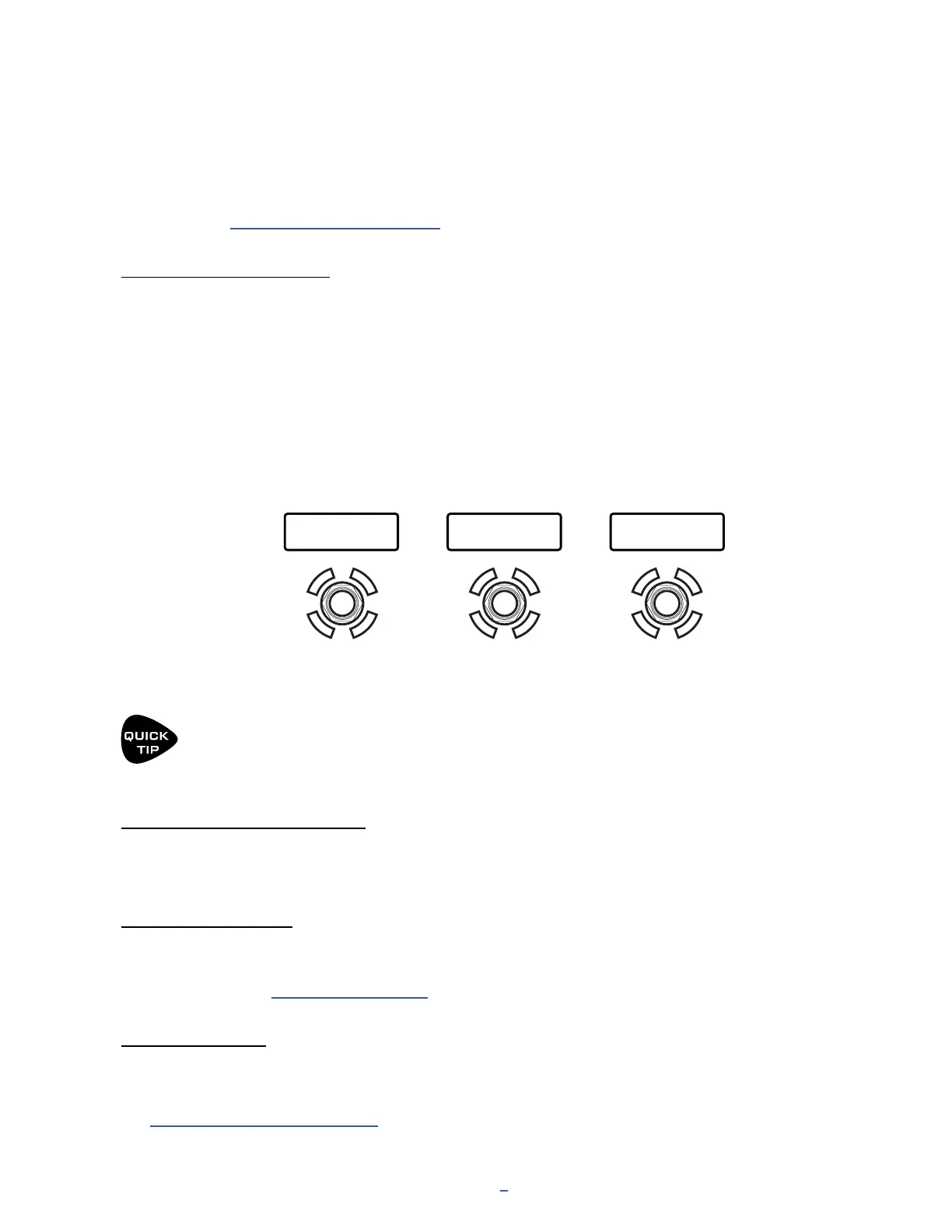
The FM3 has three built-in footswitches, each with its own mini-display and vari-color LED ring. Footswitches
can be used to change presets, select scenes, toggle effects, and much more. This page introduces the basic
concepts, while Section 10: Layouts & Switches covers this subject in more detail.
SWITCHING PRESETS
Let’s begin with how to explore the factory presets using the footswitches.
When the FM3 starts up, it loads the PRESETS footswitch layout. In this layout, the three footswitches each select
a single preset. Preset names are shown in the mini-displays. The current preset will have a bright ring and the
others will be dim.
A “bank” is a group of three presets. To change to the next bank of three presets, press and hold the right
footswitch. To change to the previous bank, press and hold the left footswitch.
You can use the MANAGE PRESETS feature of FM3-Edit to drag and drop presets of the FM3 into any order
you wish. Put your favorites in groups of three so you’ll have what you need without a lot of bank changes!
Deluxe Verb Plexi 50W FAS Modern
The FM3 boots up to the Presets footswitch layout.
In this layout, three footswitches select three different presets.
Press and hold the right switch
to load the next bank of three presets.
Press and hold the left switch
to load the previous bank of three presets.
FOOTSWITCH FUNCTIONS
Every footswitch in every layout (see next page) can have its own independent functions for Tap and Hold
Function. Functions are arranged in Categories like “Presets”, “Scenes”, or “Effects”.
LED RING COLORS
Every footswitch Category has its own default LED ring color. You can change these default colors on the Ring
Colors page of the FC Controllers/Onboard Switches menu under SETUP. You can also change the color of any
individual switch. See “Edit a Switch” on p. 78.
MINI DISPLAYS
The Mini-Display for each switch shows a label for the Tap function. While the switch is depressed — even for a
normal “tap” — the label changes momentarily to show the Hold function.
See “The Footswitch Functions Guide” for more information.



 To Next Page