61
9 MODIFIERS
There are in fact over 60 different choices to use for modier sources. Learn about them in this overview.
INTERNAL CONTROLLERS
Internal controllers are built into the FM3. To show the
Controllers menu, press the CONTROLLERS button on the
Home page (Push-knob C) or Layout menu (E), or press
the TEMPO button once.
The internal controllers can be used as modier sources
and also have settings of their own which can be saved
with every preset. All of the Internal Controllers (Tempo, LFOs, ADSRs, etc.) are part of a Controllers block. This
block has four channels, so you can have up to four different sets of Controller values in one preset.
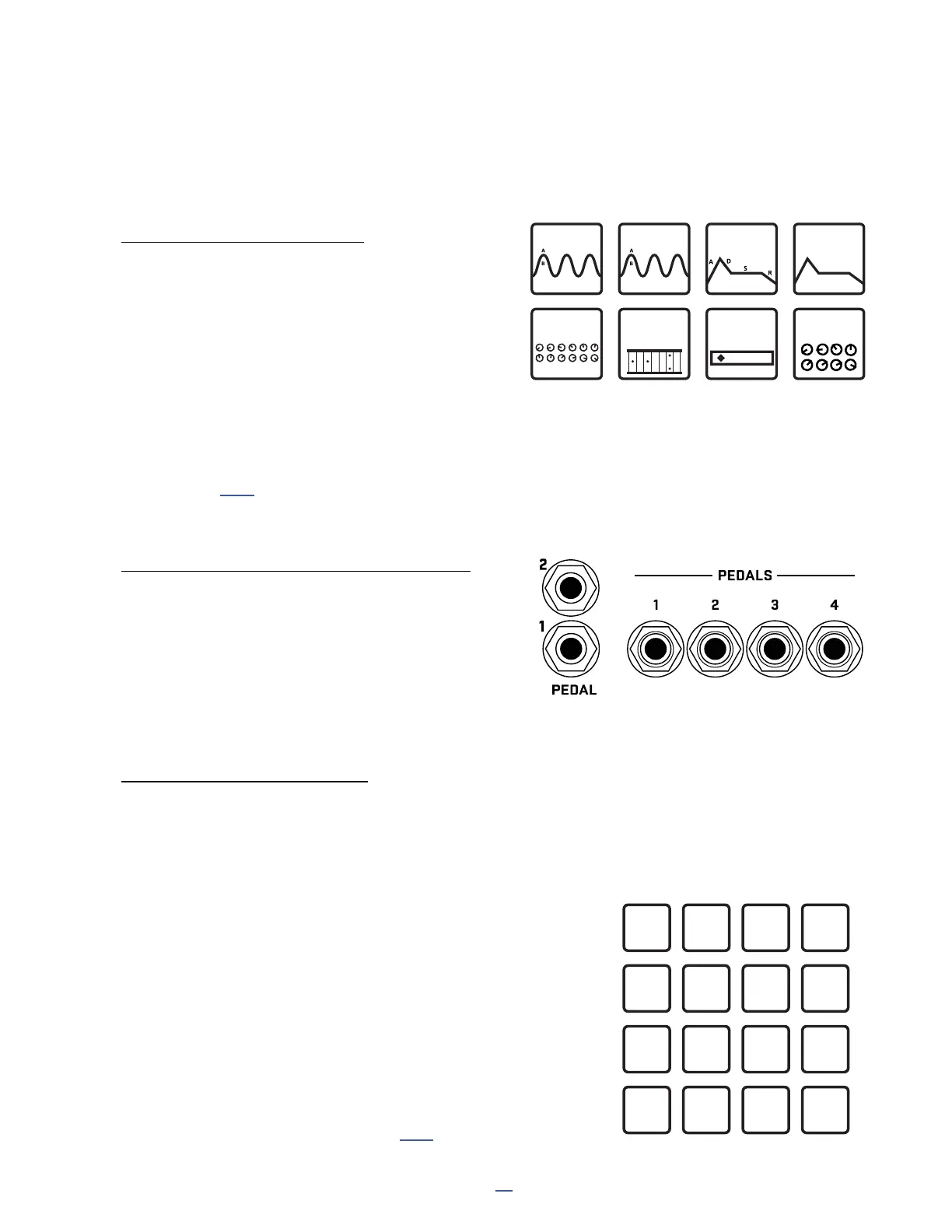
You will nd one Tempo, two LFOs (Low Frequency Oscillators), two ADSRs (envelope generators), a Sequencer,
an Envelope Follower, a Pitch Follower, ve Manual Controllers, four Scene Controllers, and six Control
Switches. See p. 65 for more on internal controllers.
ONBOARD & FC PEDALS & SWITCHES
The onboard Pedal jacks of the FM3 and the Pedal or
Switch jacks of a connected FC series controller can be
assigned directly as modier sources. In comparison to
previous products, it is no longer necessary to assign these
to an External Controller rst (though this is still possible).
On the FM3, you will nd two options per pedal jack: one
for Expression or Switch Tip and another for Switch Ring.
EXTERNAL CONTROLLERS
External controllers are modier sources with their own custom global assignments to determine what
controls them. External Controllers are a great choice for presets you might share, because different people
will use different controllers in different setups.
For example: you send your band mate a preset containing a Wah
operated by External 1. On your system, External 1 is globally assigned
to “PEDAL 1 (EXP/SW TIP)”— one of the onboard expression jacks.
On your friend’s system, External 1 is assigned to “CC#16” because an
older MIDI controller is being used.
The preset works perfectly on both rigs with no changes required!
The FM3 allows 16 external controllers.
Each one can be operated by to your choice of:
Any MIDI Control Change (CC#) message.
One of the onboard Pedal jacks.
One of the Pedal or Switch jacks of a connected FC controller.
Learn more about External controllers on p. 67.
MODIFIER SOURCES OVERVIEW
Sequencer Pitch Envelope Scene Ctrl
Ext 1 Ext 2 Ext 3Ext 4
Ext 5 Ext 6 Ext 7Ext 8
Ext 9 Ext 10 Ext 11 Ext 12
Ext 13 Ext 14 Ext 15 Ext 16



 To Next Page