24
3 USB
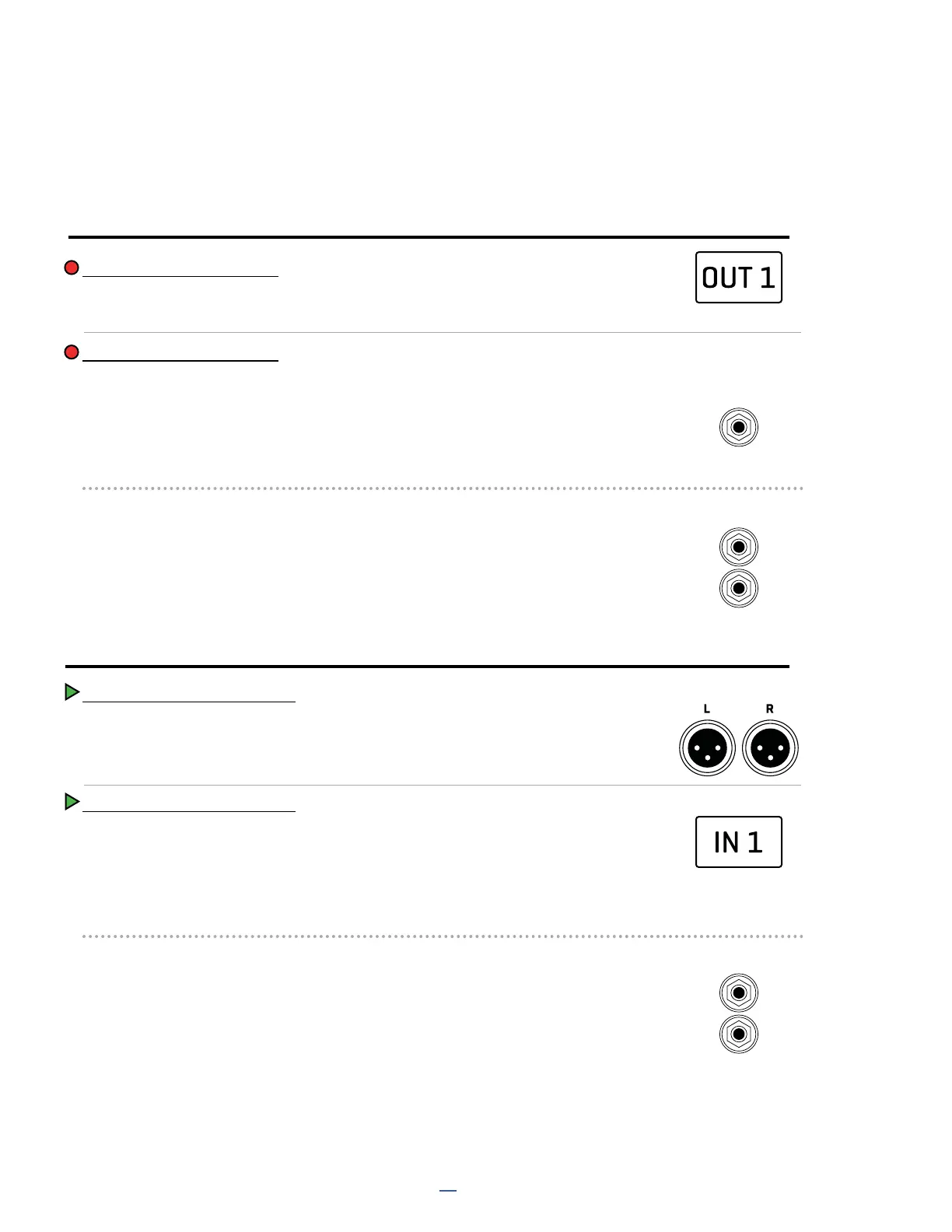
COMPUTER INPUTS 1+2
Source: The output of the OUT 1 block on the FM3’s grid.
Application: Record the stereo processed output of the FM3.
COMPUTER INPUTS 3+4
The source is selectable in Setup: I/O: Audio: USB 3,4 Record Source
COMPUTER OUTPUTS 1+2
Destination: The Output 1 jacks (and headphones).
Applications: Play stereo audio from the computer through the FM3.
NOTE: USB Audio is mixed with any signal from the grid and passed to the outputs.
COMPUTER OUTPUTS 3+4
The destination is selectable in Setup: I/O: Audio: USB 3,4 Playback Destination
USB AUDIO
OUTPUT 1
IN 1/INSTR
-OR-
IN 2
-OR-
OUT 2
grid block
grid block
Source: INPUT 1: (Default Setting) The Signal at the Input 1 Jack.
Application: Record a DI for re-amping.
Note: This mono signal appears at both USB 3 and USB 4 but would typically be recorded in mono.
Note: If Input 1 Source is not set to ANALOG, this will result in silence!
Destination: INPUT 1 BLOCK: (Default Setting)
The input of the Input 1 block on the grid.
Application: Transmit computer audio to the grid for re-amping/processing.
Source: INPUT 2: The Signal at the Input 2 Jacks.
Application: Record a stereo source with no processing.
Destination: OUTPUT 2: The Output 2 jacks..
Applications: Play a second stereo track pair from the computer through the FM3.
RECORDING
PLAYBACK



 To Next Page