25
3 USB
BASIC RECORDING
BASIC PLAYBACK
The specic steps for recording in your OS or DAW will vary based on your setup, but the basic idea is to select
the FM3 as your audio interface, set the project sample rate to 48k, create a track, assign the desired input, and
begin recording.
The specic steps for recording in your OS or DAW will vary based on your setup, but the basic idea is to select
the FM3 as your audio interface, make any application-specic settings, and begin playback.
On Mac OS, no driver is needed.
Connect the FM3 to an available USB port.
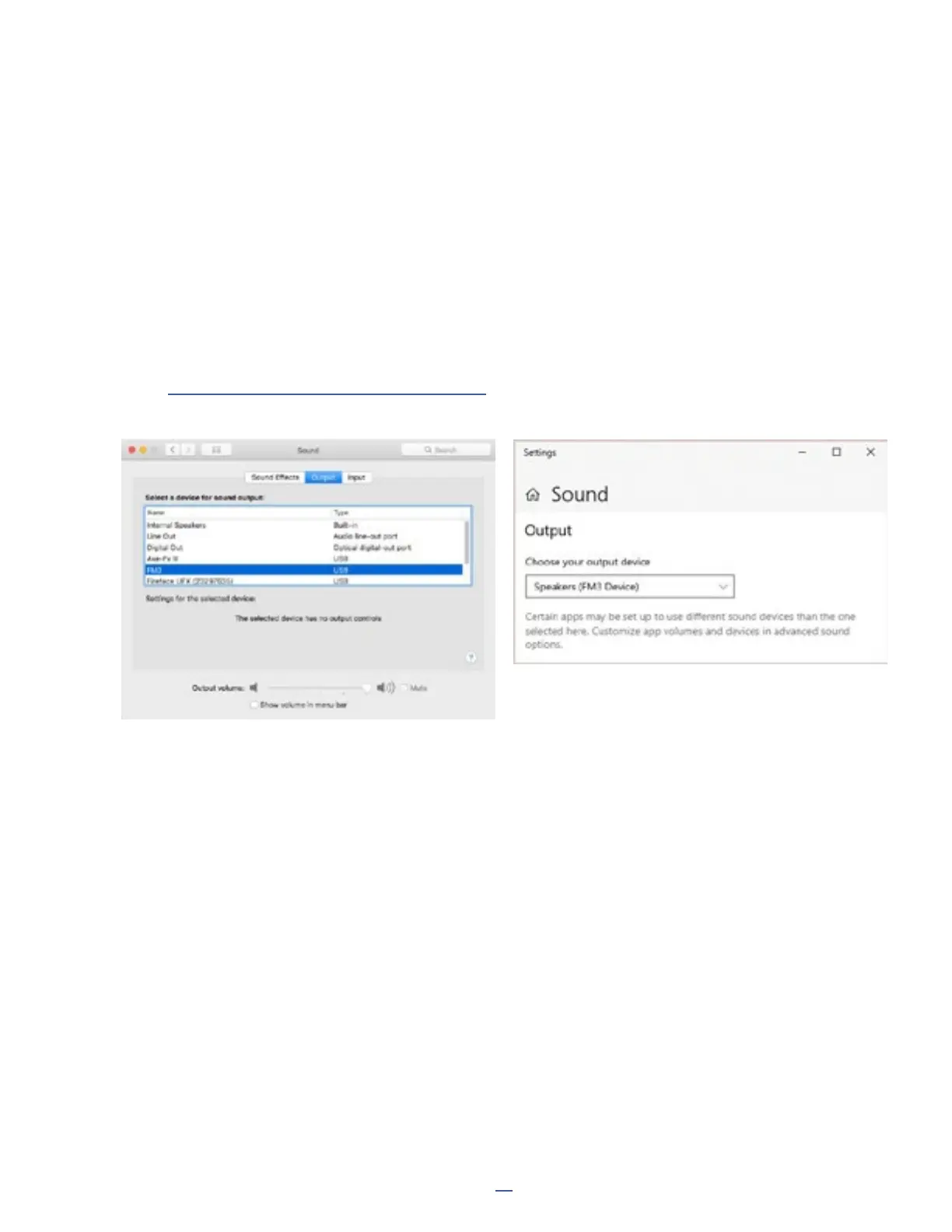
Open System Preferences: Sound and select the FM3 under “Output”.
System Audio such as iTunes playback, should now appear at FM3 Output 1 Left and Output 1 Right.
On Windows you must install two separate driver les rst.
Find FM3 USB Audio Setup and FM3 USB Serial Driver Setup at:
https://www.fractalaudio.com/fm3-downloads/
Once the drivers are installed, open Sound Settings under System Settings and select the FM3.
Whichever OS you are using, conrm that the FM3 is receiving audio during playback by viewing the Meters page
of the Home menu, where you should see meter activity on USB IN 1L and 1R. If you turn up the OUT 1 LEVEL
knob, you will also see meter activity on ANALOG OUT 1L and 1R and hear audio at the connected speakers.



 To Next Page