#
If someone becomes trapped, press the
button again to stop thesliding door.
Object recognition:
If an object obstructsthe closing of thesliding
door,the sliding door is stopped. The object rec‐
ognition is only an aid. It cannotreplace your
awareness of thesituation.
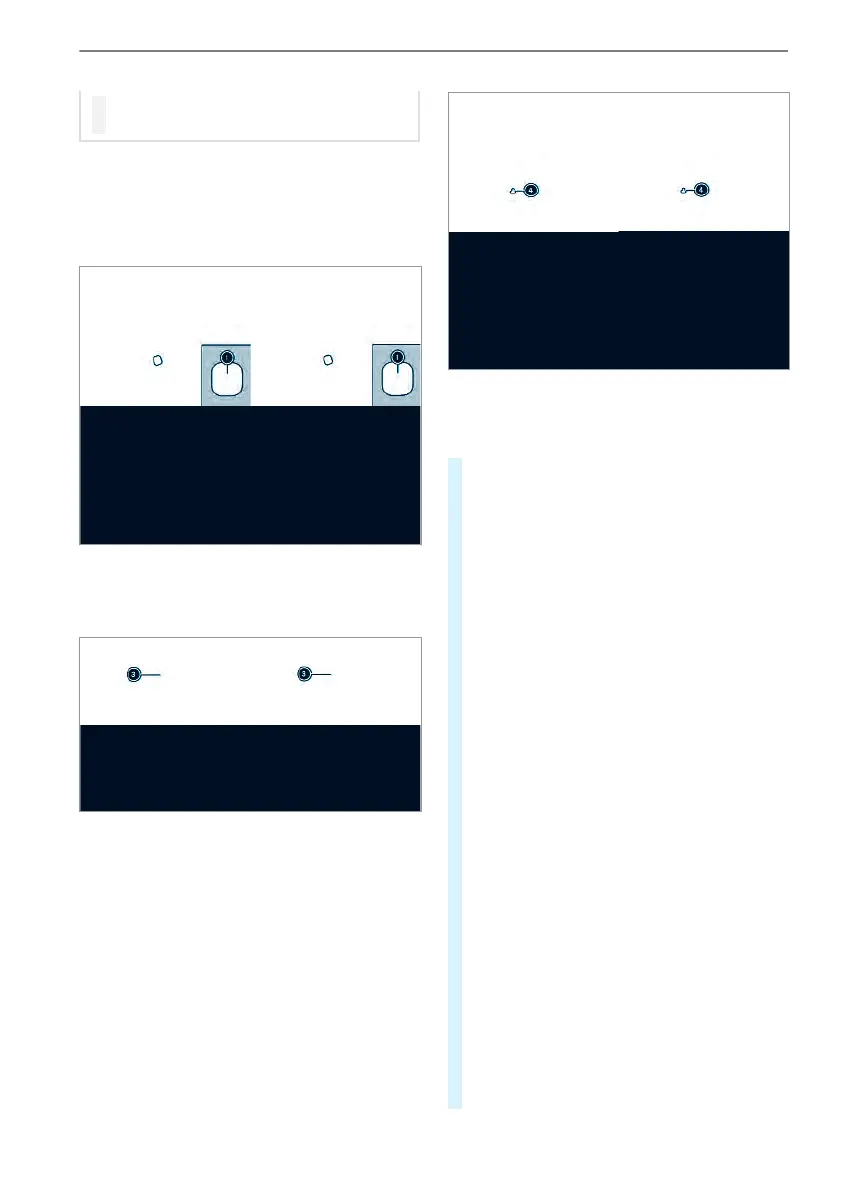
Sliding door button on thecenter console
1
Opens and closes thesliding door on the
right side of thevehicle
Sliding door button on thedoor sill (B-pillar)
On vehicles withapartition, button 3 is loca‐
tedonthe partition next to thedoorwayatthe
levelofthe inside door handle.
When thesliding door is locked, it can onlybe
opened from theinside by manually unlocking
locking pin 4.
#
To unlock: pull locking pin 4 upwards man‐
ually or use thecentrallockingbutton to
unlock thesliding door (/ page46).
#
To open: briefly press button 1, 2 or but‐
ton 3.
The sliding dooropens automatically.
When youopen thedoor using button 1 or
2,you will additionallyhear twowarning sig‐
nals.
The indicator lampatthe topofbutton 1 or
2 will flash and button 3 will flash.
When thesliding door is completely open, the
indicator lampatthe topofbutton 1 or 2
will light up.
#
To close: briefly press button 1, 2 or but‐
ton 3.
The sliding doorcloses automatically.
When youclose thedoor using button 1 or
2,you will additionallyhear twowarning sig‐
nals.
The indicator lampatthe topofbutton 1 or
2 will flash and button 3 will flash.
When thesliding door is completely closed,
theindicator lampatthe topofbutton 1 or
2 will go out.
#
To stopautomaticoperation: brieflypress
button 1 or 2.
The sliding doorstops moving.
#
To lock: push lockingpin 3 downwards
manually or use thecentrallockingbutton to
lockthe sliding door (/ page46).
50
Opening and closing



 To Next Page