s
Important Safety Information!!!
PRIOR TO ANY OF THE
ACTIONS SUGGESTED BELOW
REMOVE THE POWER PACK.
Always wear thick protective gloves when
handling or cleaning around the blades
Knobby wheels (MSB0099A)
can improve the ground
holding of the mower
especially in slopping area,
bumpy area and wet grass
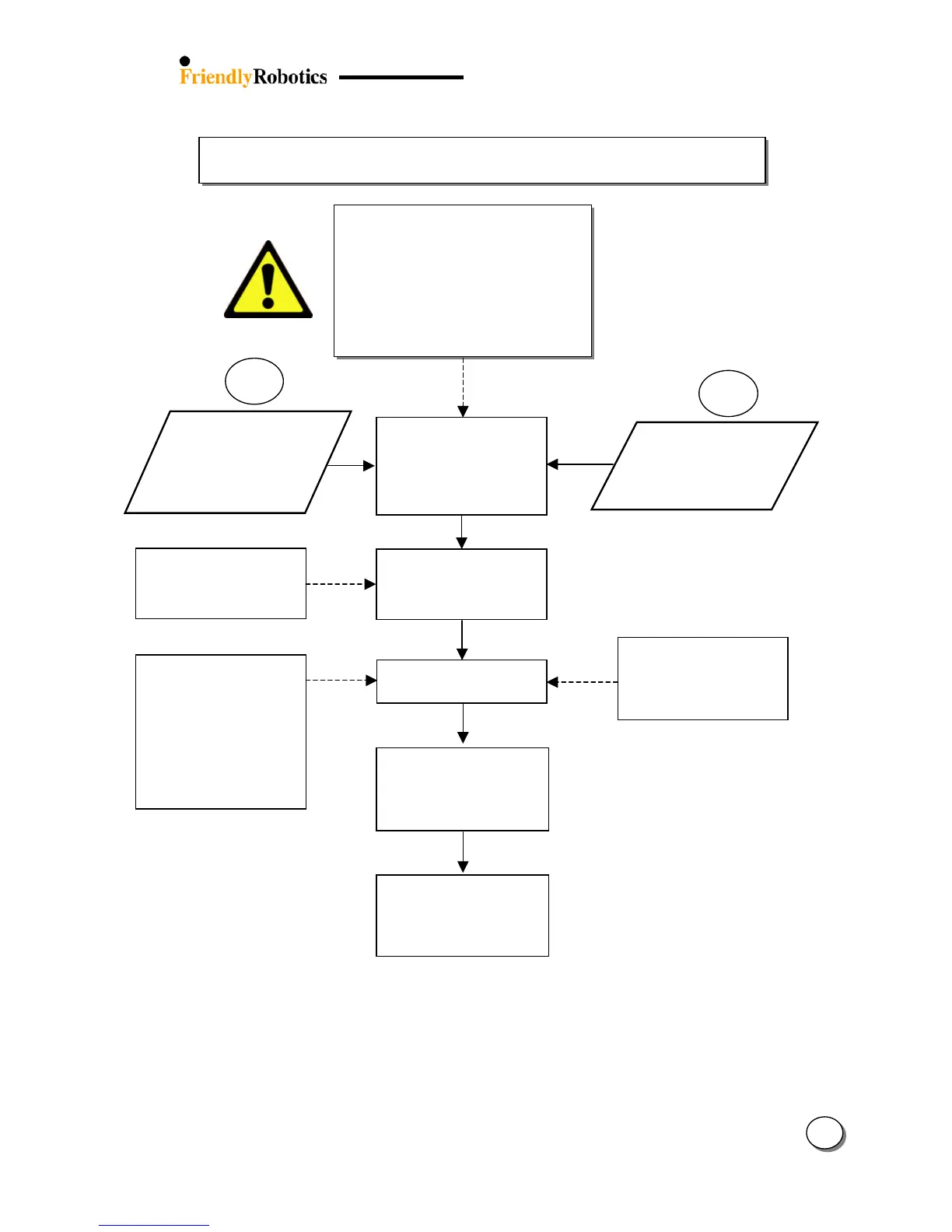
Confirm ‘Set country’ is set
to your country and perform
‘DK Calibration’ (refer to
section 5.3.4)
‘DK Calibration’ should be
carried out on a smooth and
level area, away from metal
objects and power lines
Confirm the slope is not
more than 15 degrees
Confirm the Front Wheel
turns freely both on the
horizontal and vertical axes,
clean out all
ht lines
Slopes greater than 15
degrees can be mowed
using Manual mode
Some natural ‘drift’ can
occur and this is normal
When Robomower is
climbing a slope,
especially when the grass
is wet, the scan progress
may be slower.
Set the ‘Wide scan’ option to
‘on’ under
User preferences’
menu. This will increase the
angle between mowing
lines.
Under ‘Service menu:
Check ‘Drive motors’
Check ‘Direction keeper
Refer to fault number in
section 5.6








 To Next Page