Address: Room 1705,Block A1, Longyuan Plaza, Longkouxi Road, Guangzhou, China, 510640 Website: http://www.arm9.net
Sales: +86-20-85201025 Tech Support: +86-13719442657 Fax: +86-20-85261505
Email for Business and Cooperation: capbily@163.com Email for Tech Support: dev_friendlyarm@163.com
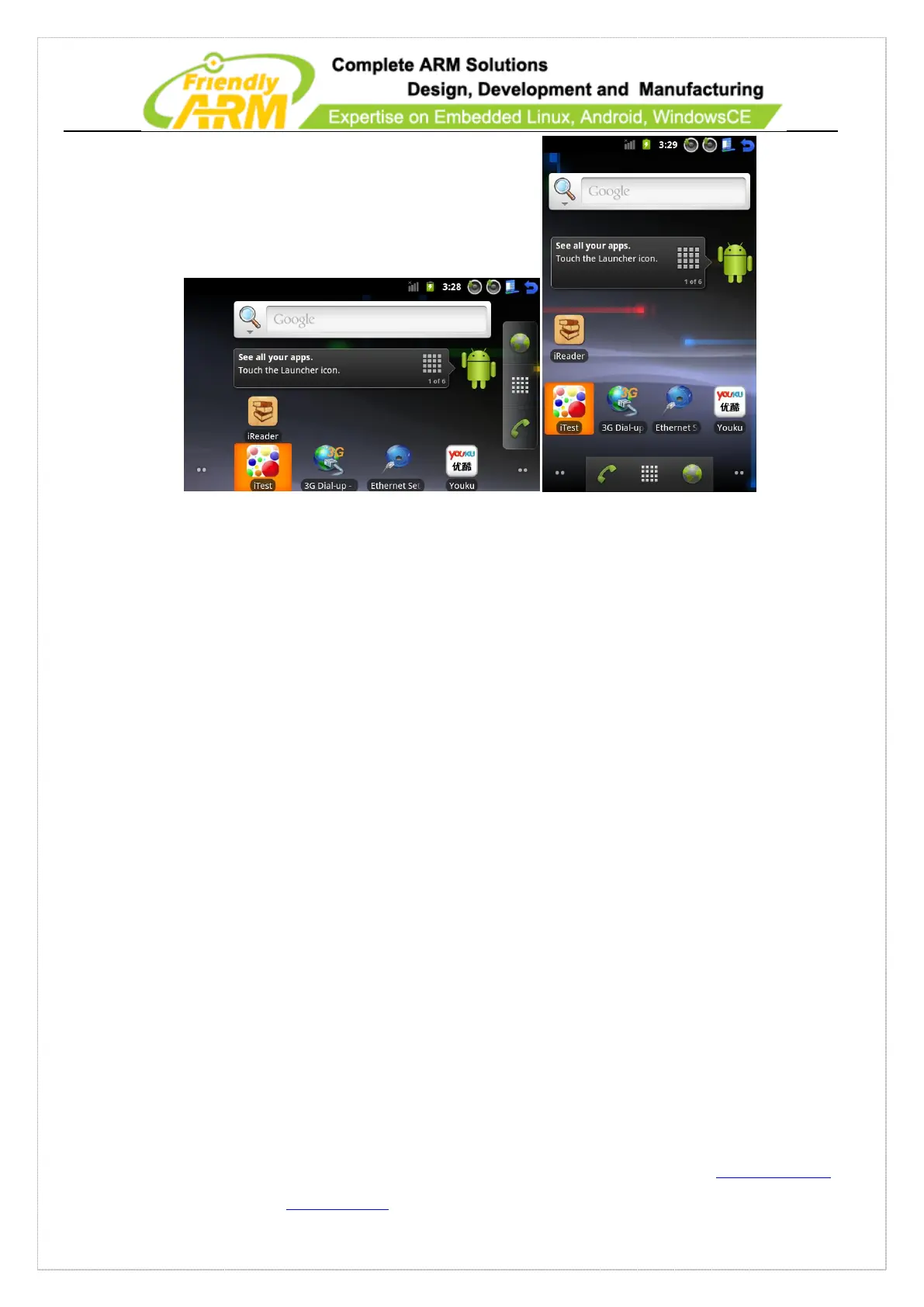
5.2.2.1 Vertical Display/Horizontal Display
By default the board displays horizontally or vertically. Users can change that by
following the steps below.
Firstly please open the “init.rc” in the root directory, search for “ro.sf.hwrotation” and
remove the “#”. This sets the rotation angle to 270 degrees.
setprop ro.sf.hwrotation 270
If your OS is Android 2.3.1 after you make that change it will take into effect on
system rebooting.
If your OS is Android 4.0 you need one more step: open the file “/system/build.prop”
change the following line:
ro.sf.auto_lcd_density=yes
to:
ro.sf.auto_lcd_density=no



 To Next Page