Address: Room 1705,Block A1, Longyuan Plaza, Longkouxi Road, Guangzhou, China, 510640 Website: http://www.arm9.net
Sales: +86-20-85201025 Tech Support: +86-13719442657 Fax: +86-20-85261505
Email for Business and Cooperation: capbily@163.com Email for Tech Support: dev_friendlyarm@163.com
WindowsCE6-InstallImage = WindowsCE6\NK.bin
WindowsCE6-RunImage = WindowsCE6\NK.bin
(Note: the image currently supports these LCDs: H43, W50, A56, S70, A70, L80 and
G10)
Step2: make sure your card has the following files (actually you can copy the whole
image directory to your SD card’s root directory)
Bootloader. It can boot CE and other OS
such as Android and Linux. It can be run
from an SD card.
CE start logo. You can replace it with your
own. It should be a 24bit bmp.
CE kernel and file sysem image
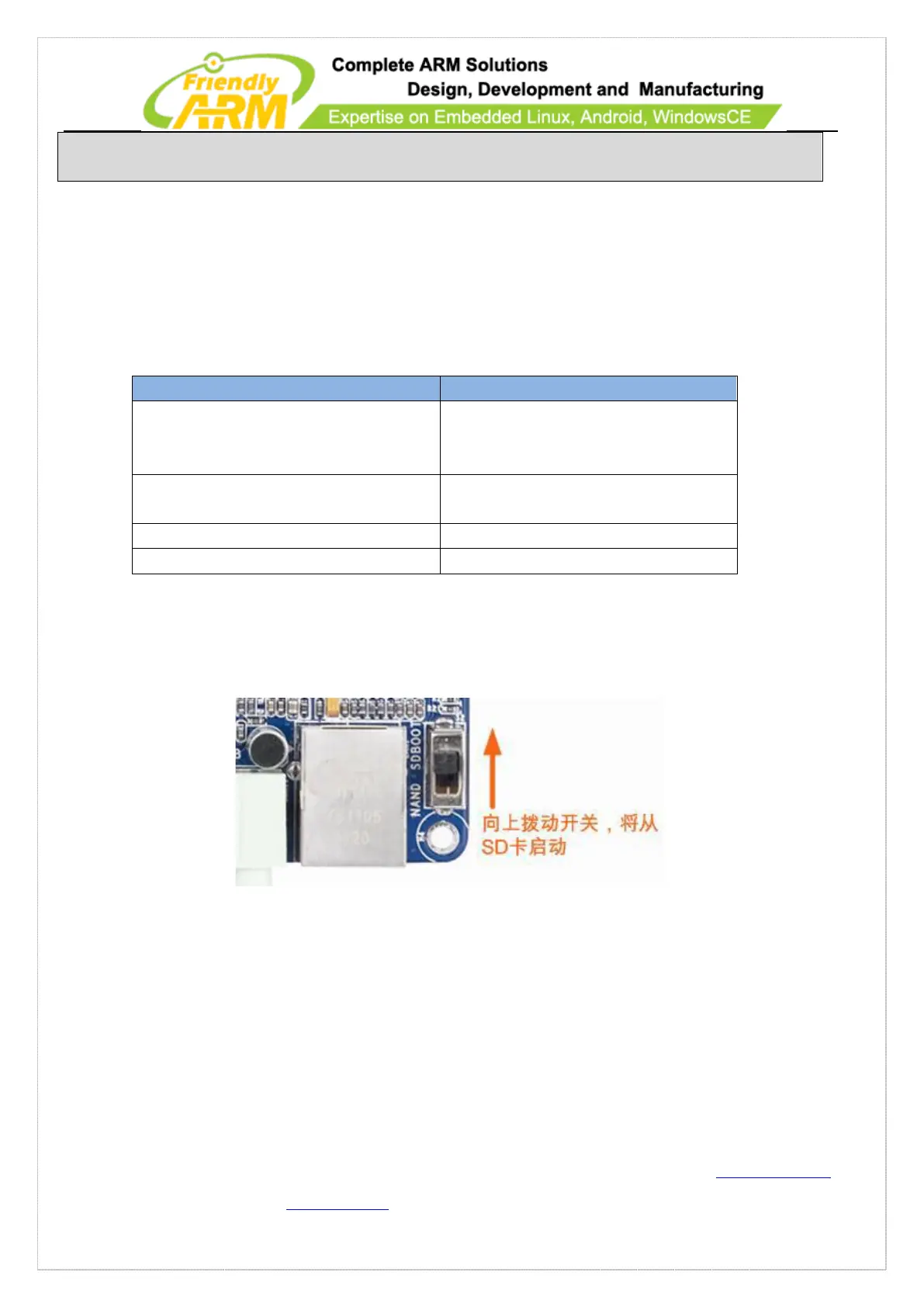
Step3: insert the SD card to the board’s SD socket and switch S2 to the SD side. Power
on the board and you will hear a beep and see WinCE is being loaded.
10 WindowsCE6 Application Development
10.1 Set up Development Environment for WindowsCE
Applications
Note: the 6410’s WinCE development environment cannot co-exist with the 210’s. If



 To Next Page