Address: Room 1705,Block A1, Longyuan Plaza, Longkouxi Road, Guangzhou, China, 510640 Website: http://www.arm9.net
Sales: +86-20-85201025 Tech Support: +86-13719442657 Fax: +86-20-85261505
Email for Business and Cooperation: capbily@163.com Email for Tech Support: dev_friendlyarm@163.com
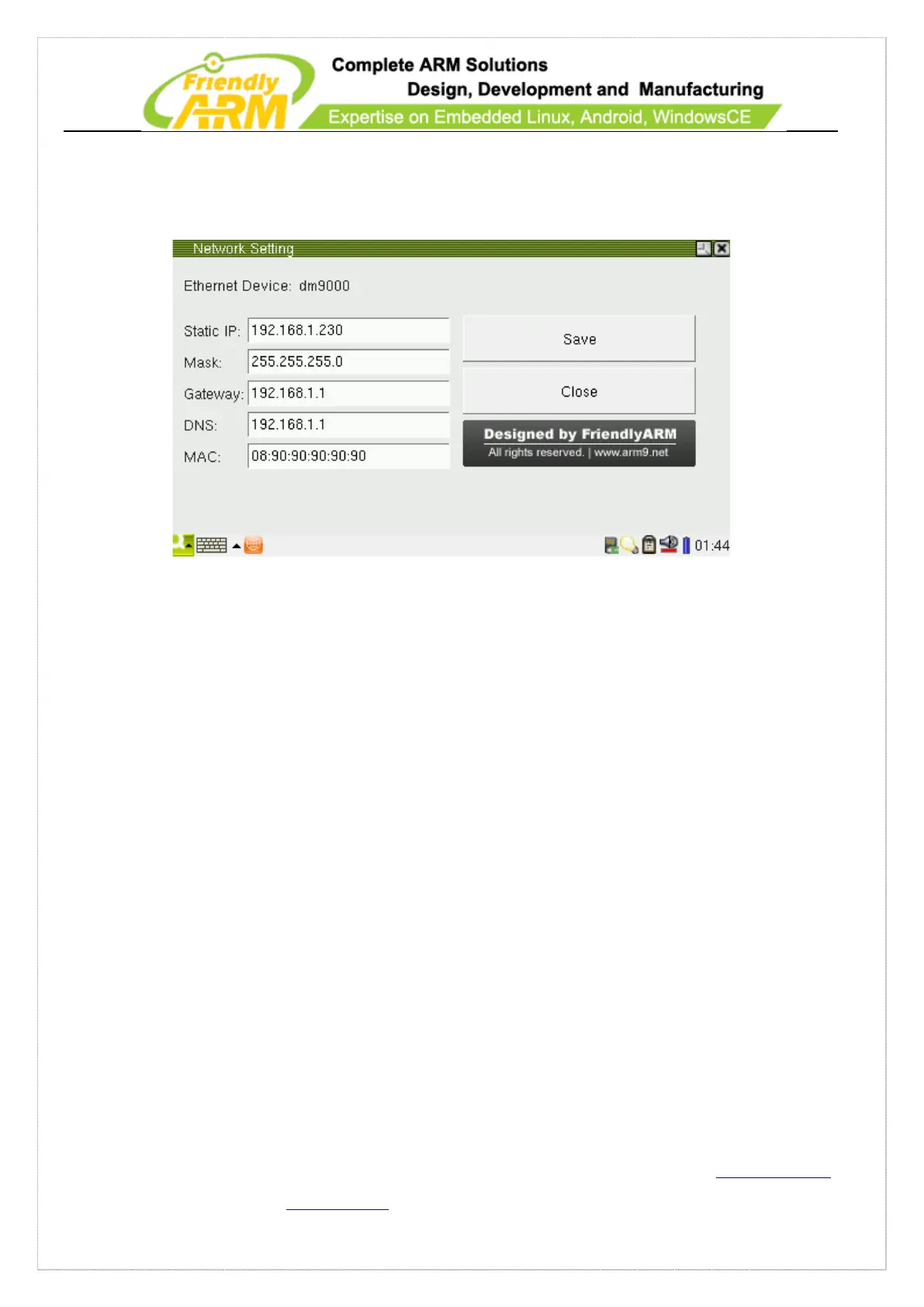
Go to “FriendlyARM”, click on the network setting and you will be able to see the
following screenshot
You can set your network parameters and “save” it to the “/etc/eth0-setting”.
7.2.15 Wireless Network
This section will introduce how to configure the SD WiFi and USB WiFi.
7.2.15.1 Wireless Utility
Go to the “FriendlyARM” page, click on the wireless setting icon



 To Next Page