Address: Room 1705,Block A1, Longyuan Plaza, Longkouxi Road, Guangzhou, China, 510640 Website: http://www.arm9.net
Sales: +86-20-85201025 Tech Support: +86-13719442657 Fax: +86-20-85261505
Email for Business and Cooperation: capbily@163.com Email for Tech Support: dev_friendlyarm@163.com
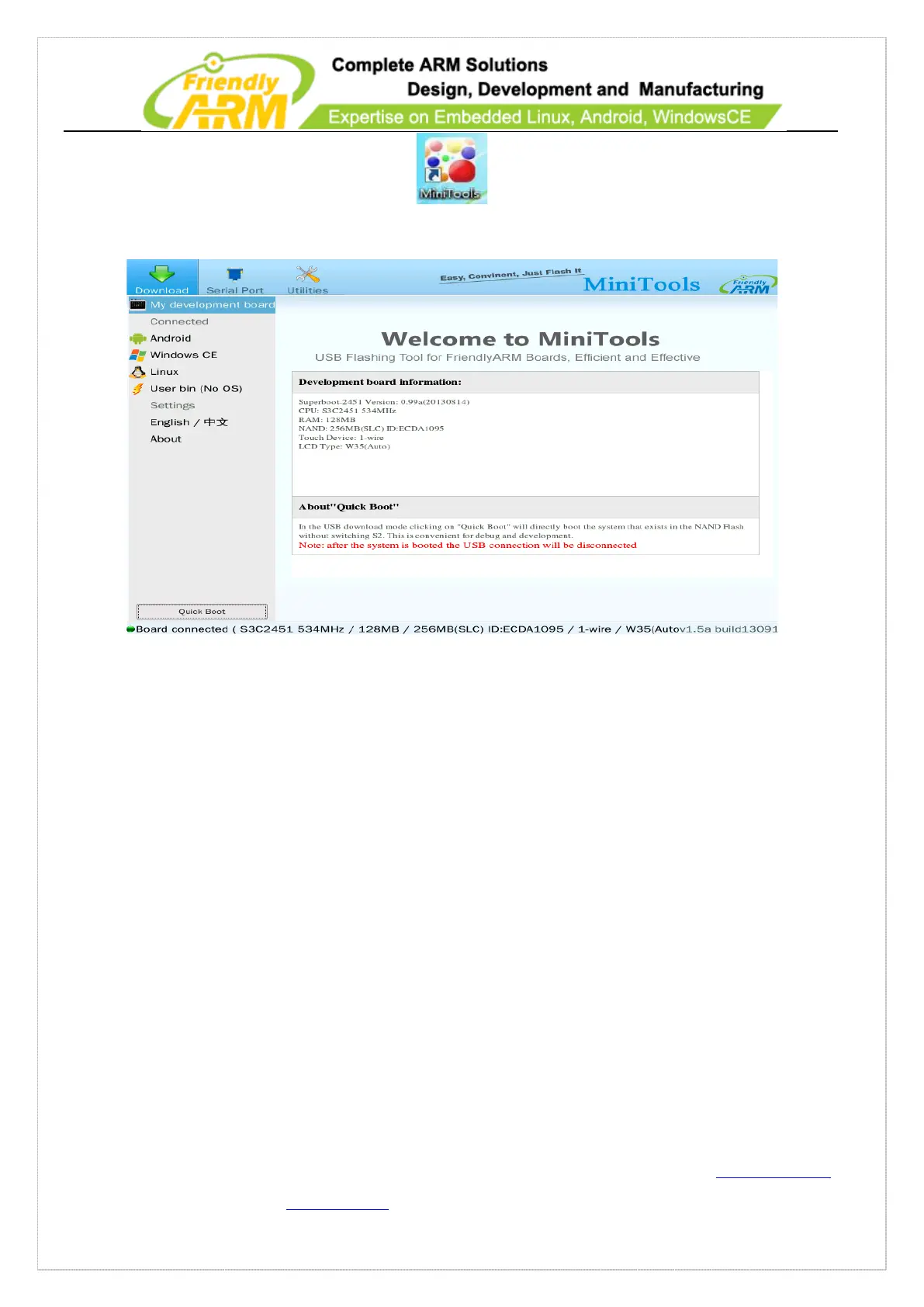
The minitools’ main window is shown below:
4.3.1.2 Install on Linux
We tested installing the Minitools on Fedora9/Fedora15/Ubuntu12.04 64-bit systems.
Please login and execute the installation as root. Please copy the
“MiniTools-Linux-YYYYMMDD.tgz” in the “tools” directory from your DVD to your PC
and untar the ball and run the “./start.sh” command to the installation.
4.3.2 Flash Superboot to SD Card
In order to work with the Minitools you need to get an SD card and flash our
superboot to it. Please follow the steps below:



 To Next Page