Address: Room 1705,Block A1, Longyuan Plaza, Longkouxi Road, Guangzhou, China, 510640 Website: http://www.arm9.net
Sales: +86-20-85201025 Tech Support: +86-13719442657 Fax: +86-20-85261505
Email for Business and Cooperation: capbily@163.com Email for Tech Support: dev_friendlyarm@163.com
6.1.10 Run HelloMini210 in Simulator
To compile and run “HelloMini210” please select the “HelloMini210” project in
“Package Explorer”and then click on the “run” button or go to “Run->Run As->Android
Application”.
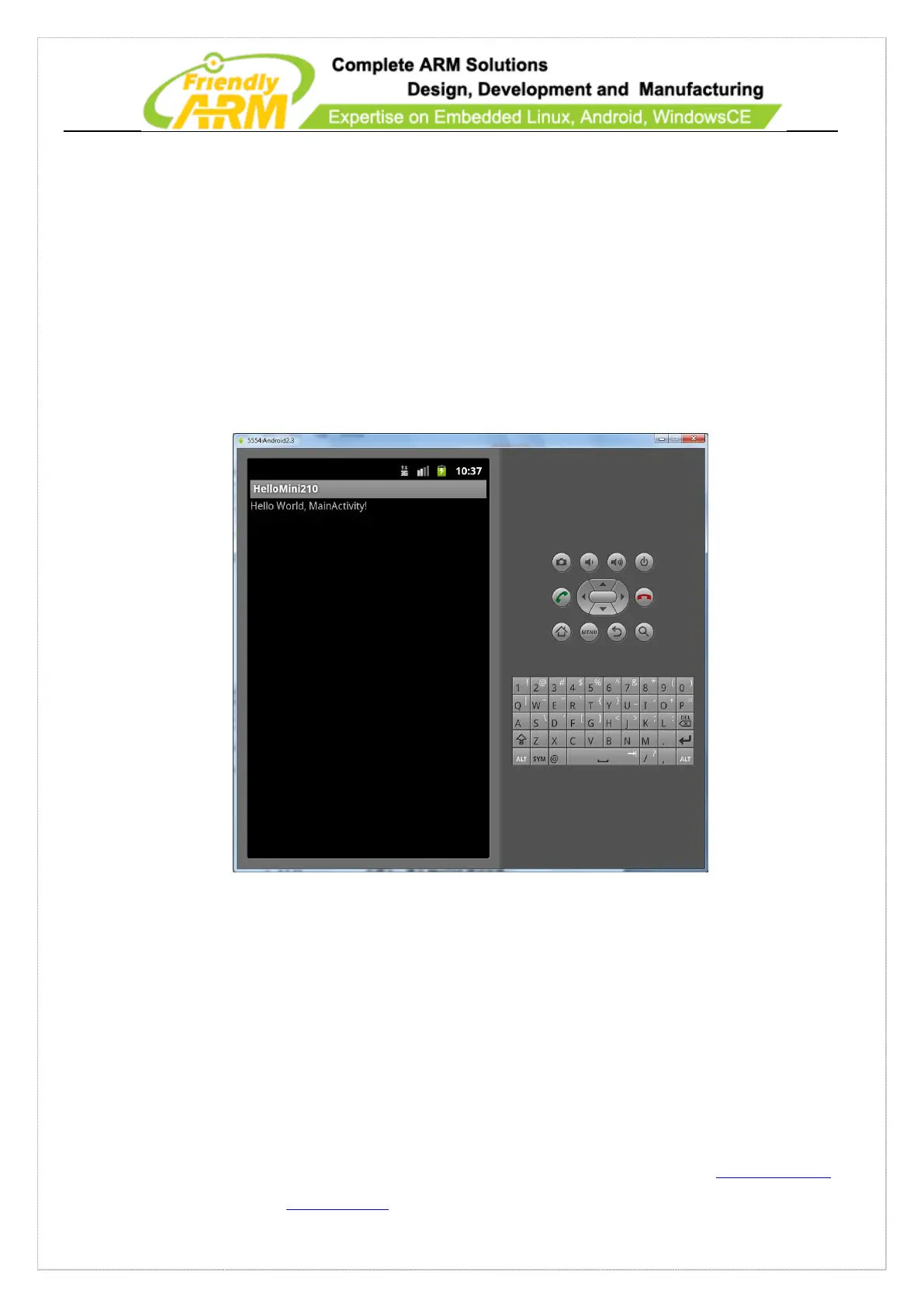
The Android simulator will automatically start and it may take a while. After it fully
loads it will run “HelloMini210”:
In the following sections we will debug and run this program on the Tiny210
6.1.11 Set up Android Debug Environment
6.1.11.1 Install USB ADB Driver
Run the SDK Manager as an administrator, select “Available Packages” on the



 To Next Page