Address: Room 1705,Block A1, Longyuan Plaza, Longkouxi Road, Guangzhou, China, 510640 Website: http://www.arm9.net
Sales: +86-20-85201025 Tech Support: +86-13719442657 Fax: +86-20-85261505
Email for Business and Cooperation: capbily@163.com Email for Tech Support: dev_friendlyarm@163.com
want to restart ADB, just click on “Yes” to continue.
6.1.4 Install Eclipse
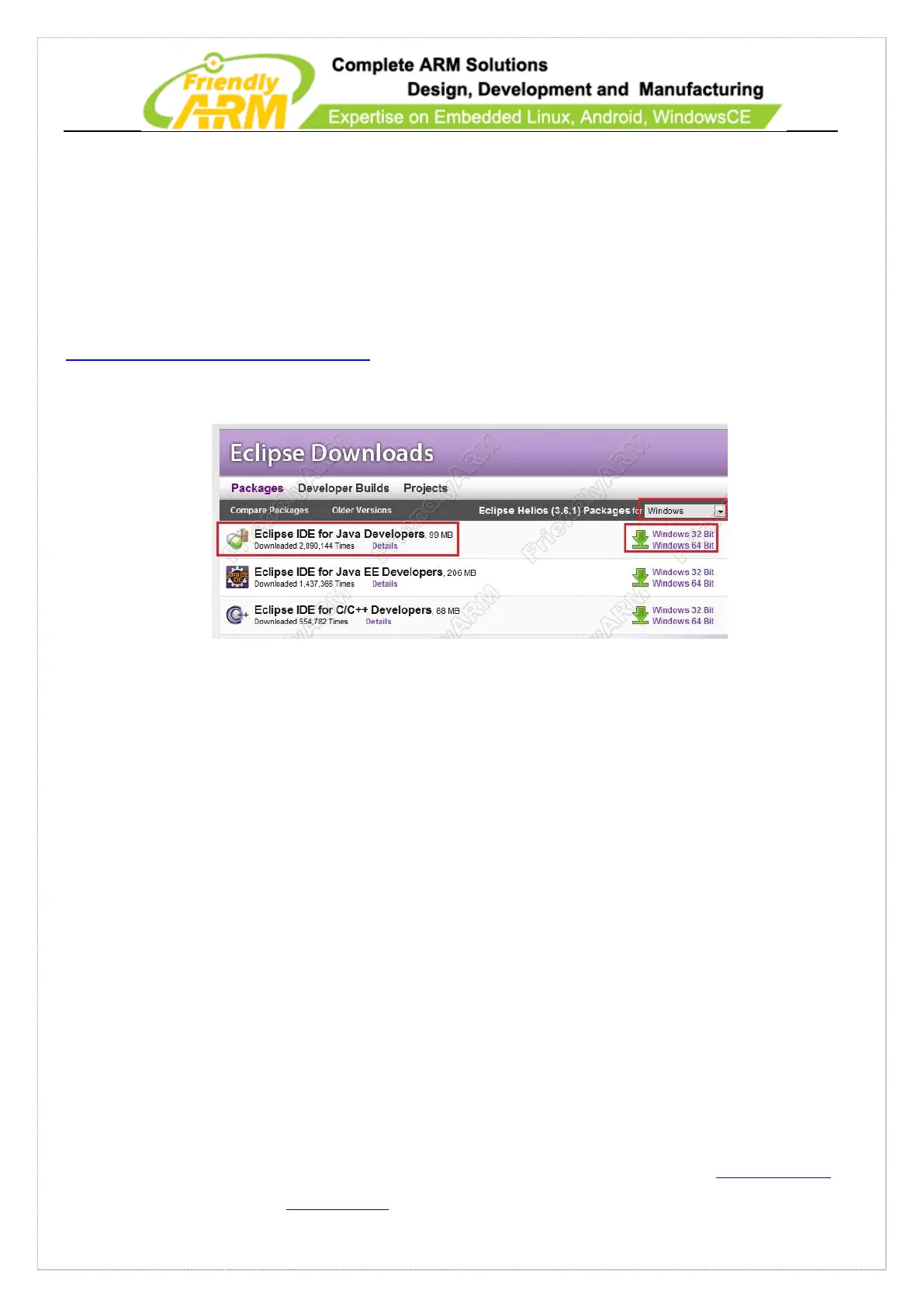
Eclipse is a very popuplar IDE for Android. Please visit
http://www.eclipse.org/downloads/ to download it.
On the download page select “Eclipse IDE for Java Developers”
You can also use the version “eclipse-java-helios-SR2-win32.zip” in the Android
directory in the shipped CD.
Please unzip your package (ours was “eclipse-java-helios-SR2-win32.zip”) in drive
D:\, go to the “eclipse” directory and double click on “eclipse.exe” to start it.
On the initial startup it will ask you to set up the “Workspace” path in which all your
created projects’ source code will be saved. After Eclipse starts it will show the
following main window:



 To Next Page