Address: Room 1705,Block A1, Longyuan Plaza, Longkouxi Road, Guangzhou, China, 510640 Website: http://www.arm9.net
Sales: +86-20-85201025 Tech Support: +86-13719442657 Fax: +86-20-85261505
Email for Business and Cooperation: capbily@163.com Email for Tech Support: dev_friendlyarm@163.com
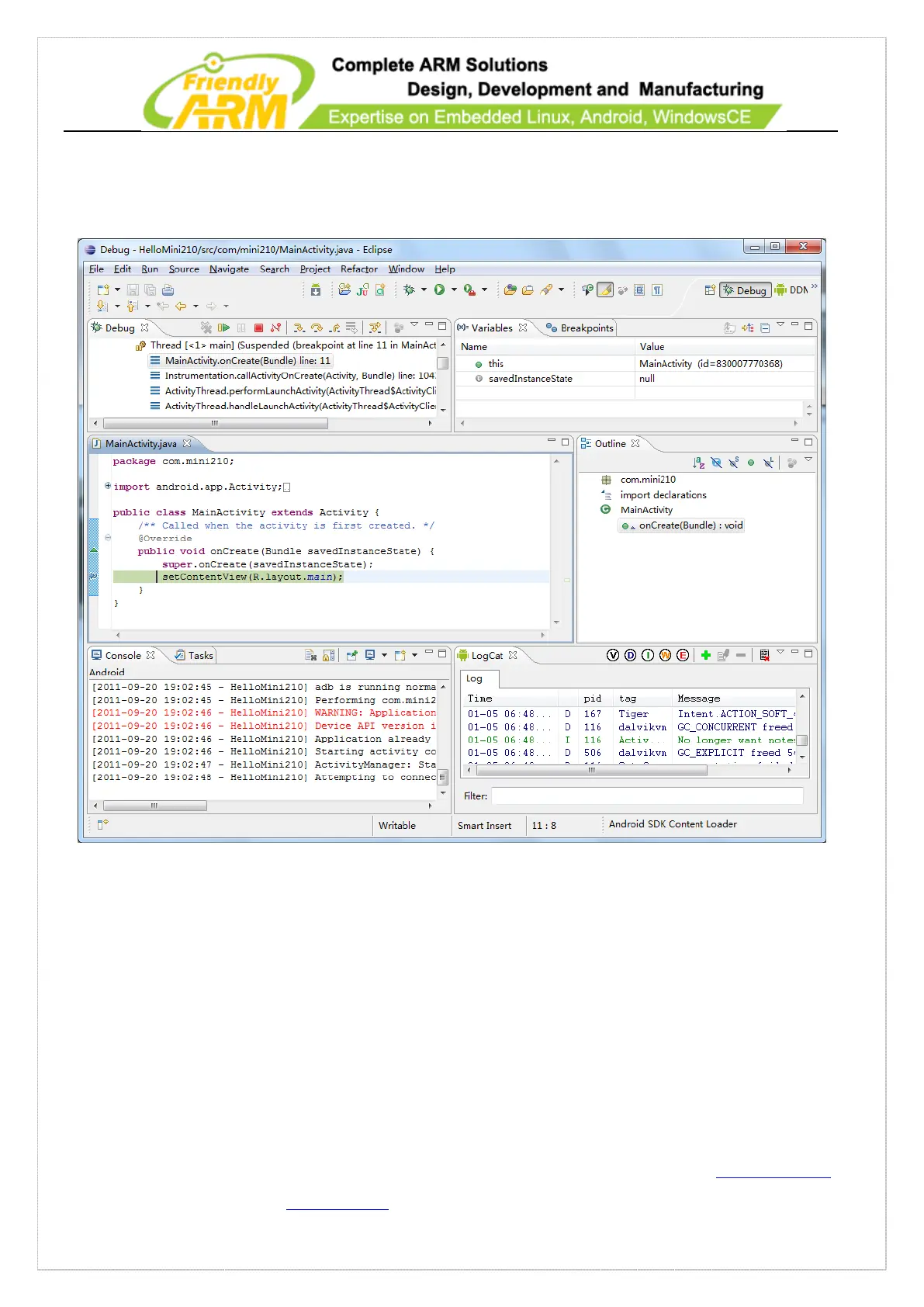
go to “Run->Debug” to run the program. The program will run to the break point and
pause.
6.2 Access Hardware in Andorid
For users to fully use and acces the 210 hardware resources FriendlyARM developed
a library named “libfriendlyarm-hardware.so” which can be used to access and operate
the hardware resources on the 210 including serial port, buzzer, EEPROM and ADC.
The iTest utility is based on this library and you can run the iTest utility to learn this



 To Next Page