Address: Room 1705,Block A1, Longyuan Plaza, Longkouxi Road, Guangzhou, China, 510640 Website: http://www.arm9.net
Sales: +86-20-85201025 Tech Support: +86-13719442657 Fax: +86-20-85261505
Email for Business and Cooperation: capbily@163.com Email for Tech Support: dev_friendlyarm@163.com
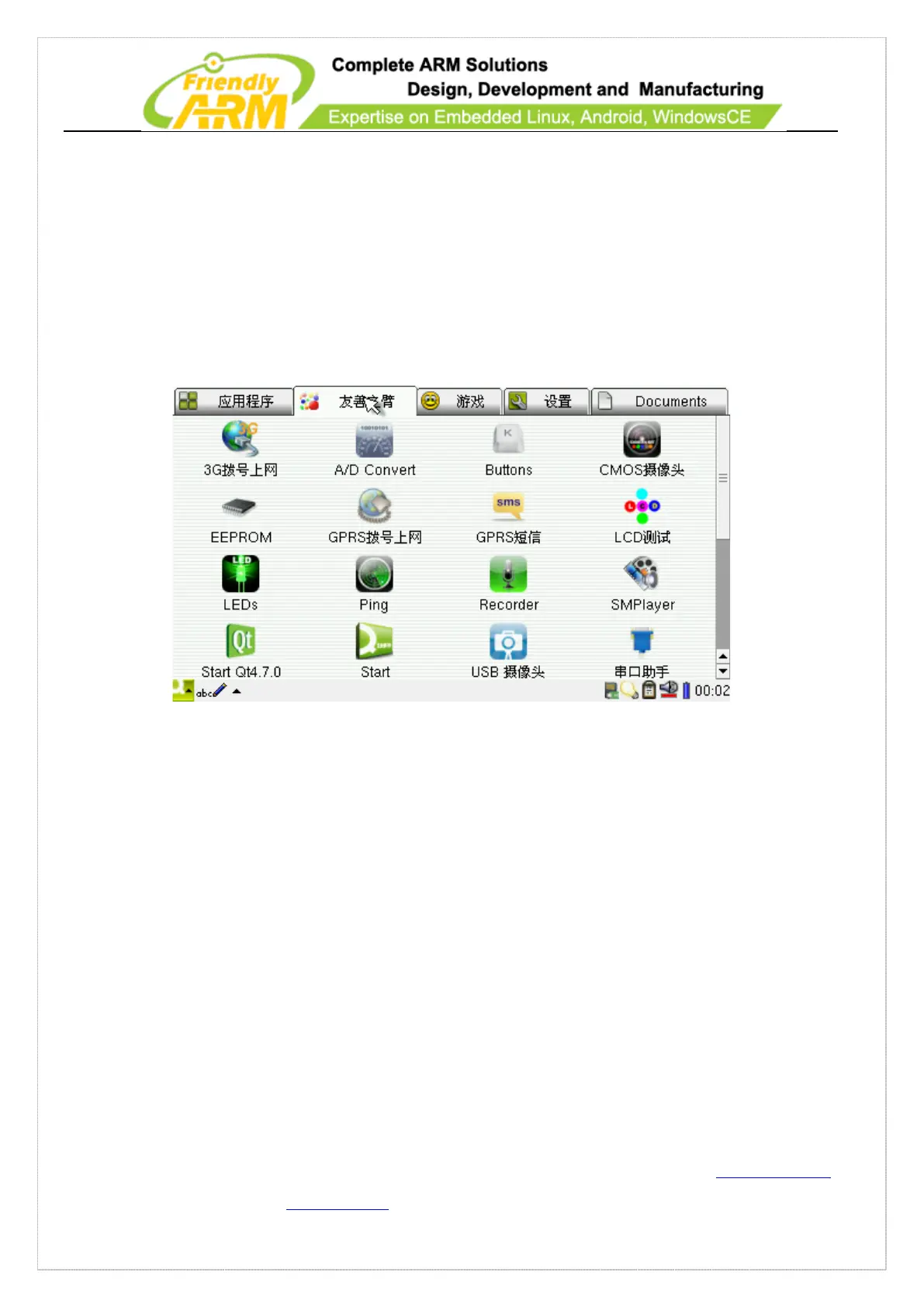
There are five pages which represent five categories of software and documents. Click
on the “start” on the left bottom you will see five sub-menus which are the same as
these five pages. The “FriendlyARM” page contains software utilities that are all
developed or migrated by us. All the other utilities and documents in other pages are
open source
7.2.4 SMPlayer
Mplayer is an open source player which supports output to various devices such as
X11, Framebuffer and so on. Here we use its output to framebuffer and integrate the
SMPlayer.
7.2.5 HDMI Output
By default Linux opens the HDMI output to TV. You need to turn on your TV fist and
then connect it to your board via the HDMI cable.



 To Next Page