Address: Room 1705,Block A1, Longyuan Plaza, Longkouxi Road, Guangzhou, China, 510640 Website: http://www.arm9.net
Sales: +86-20-85201025 Tech Support: +86-13719442657 Fax: +86-20-85261505
Email for Business and Cooperation: capbily@163.com Email for Tech Support: dev_friendlyarm@163.com
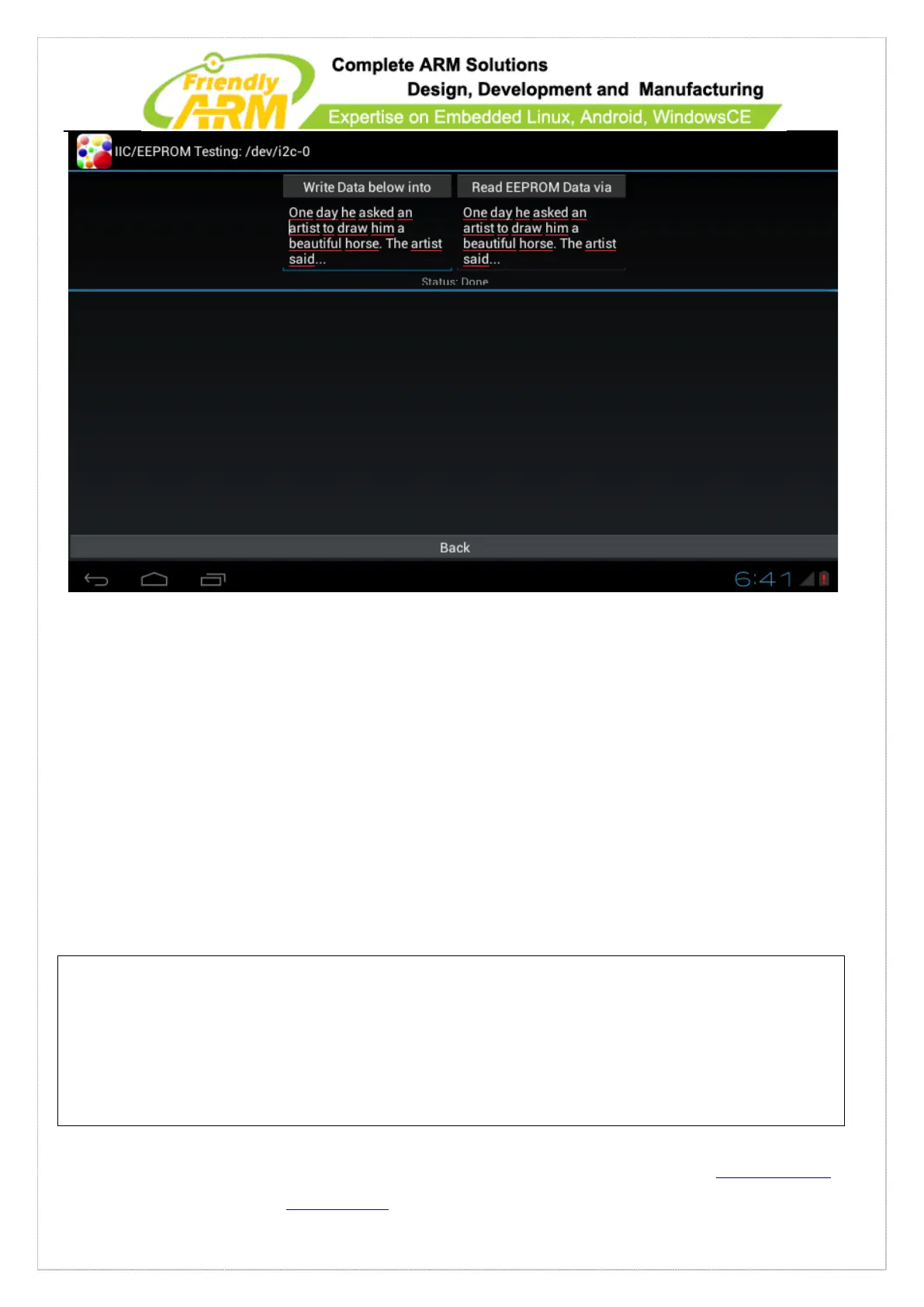
Click on “Write Data below into EEPROM” to write your data on the left to
“EEPROM” and then clickon “Read EEPROM Data via IIC” to read it from EEPROM
to the right area
5.2.24 Setup Auto Run Utility
Users can set a utility to be automatically started on system boot in
“/data/system/autostart_config.xml”. Here is a sample of this file:
<?xml version="1.0" encoding="UTF-8"?>
<appConfigs>
<appConfig id="1">
<packageName>com.friendlyarm.net3gdialup</packageName>
<mainActivityName>com.friendlyarm.net3gdialup.ActivityMain</mainActivityName>
<autoStart>false</autoStart>
</appConfig>



 To Next Page