Address: Room 1705,Block A1, Longyuan Plaza, Longkouxi Road, Guangzhou, China, 510640 Website: http://www.arm9.net
Sales: +86-20-85201025 Tech Support: +86-13719442657 Fax: +86-20-85261505
Email for Business and Cooperation: capbily@163.com Email for Tech Support: dev_friendlyarm@163.com
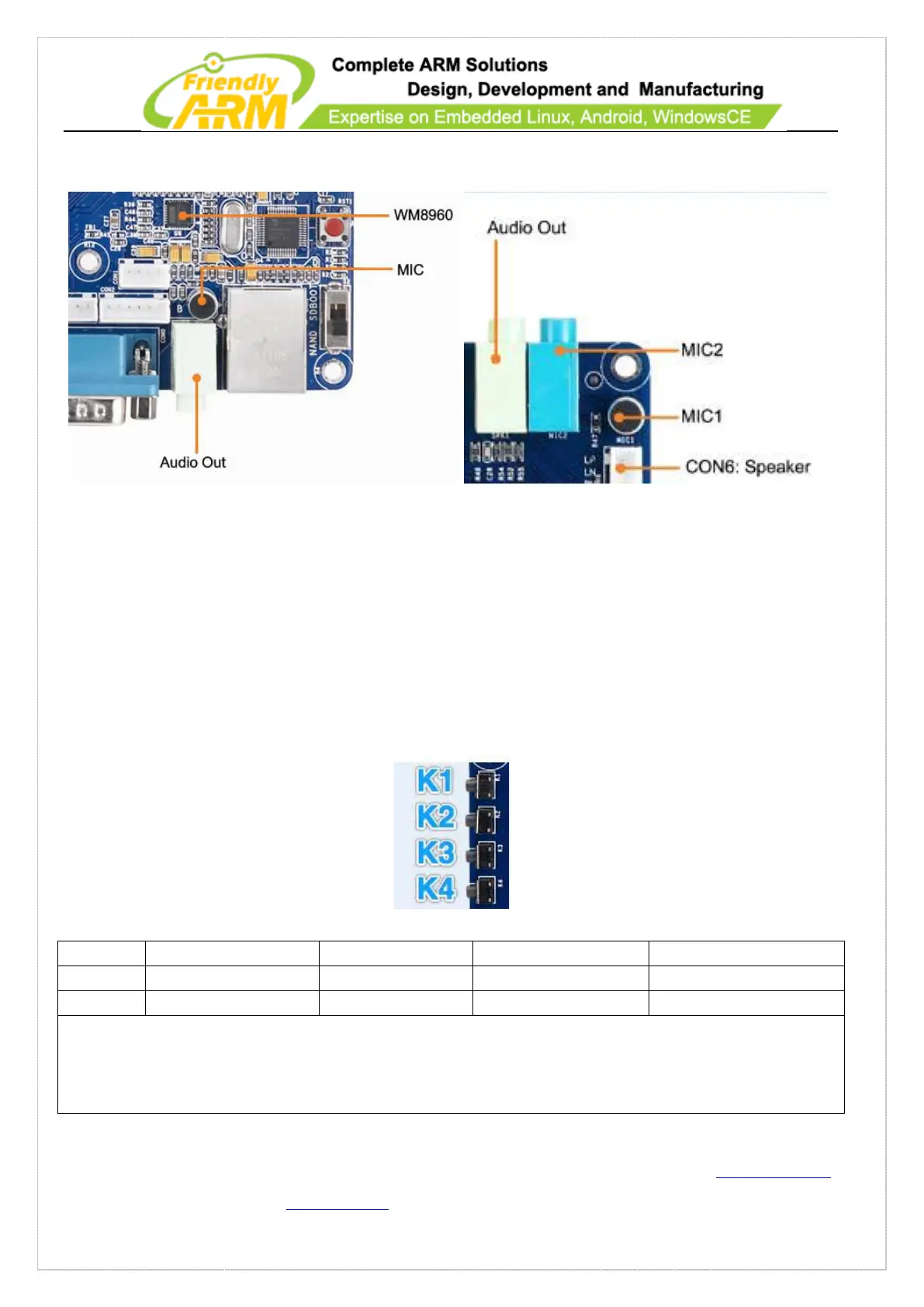
microphone close to the audio source
1.7.6 User Button
The Smart210 1305 carrier board has 8 buttons. The TinySDK/ADK 1312B has four
user buttons connected directly to the CPU’s interrupt pins. They trigger low when
closed.
Notes:
1. The Smart210 1305 carrier board’s CON14 has all these buttons’ pins
2. The TinySDK/ADK 1312B’s CON13 has all these buttons’ pins.
Please refer to the schematic for more details



 To Next Page