Address: Room 1705,Block A1, Longyuan Plaza, Longkouxi Road, Guangzhou, China, 510640 Website: http://www.arm9.net
Sales: +86-20-85201025 Tech Support: +86-13719442657 Fax: +86-20-85261505
Email for Business and Cooperation: capbily@163.com Email for Tech Support: dev_friendlyarm@163.com
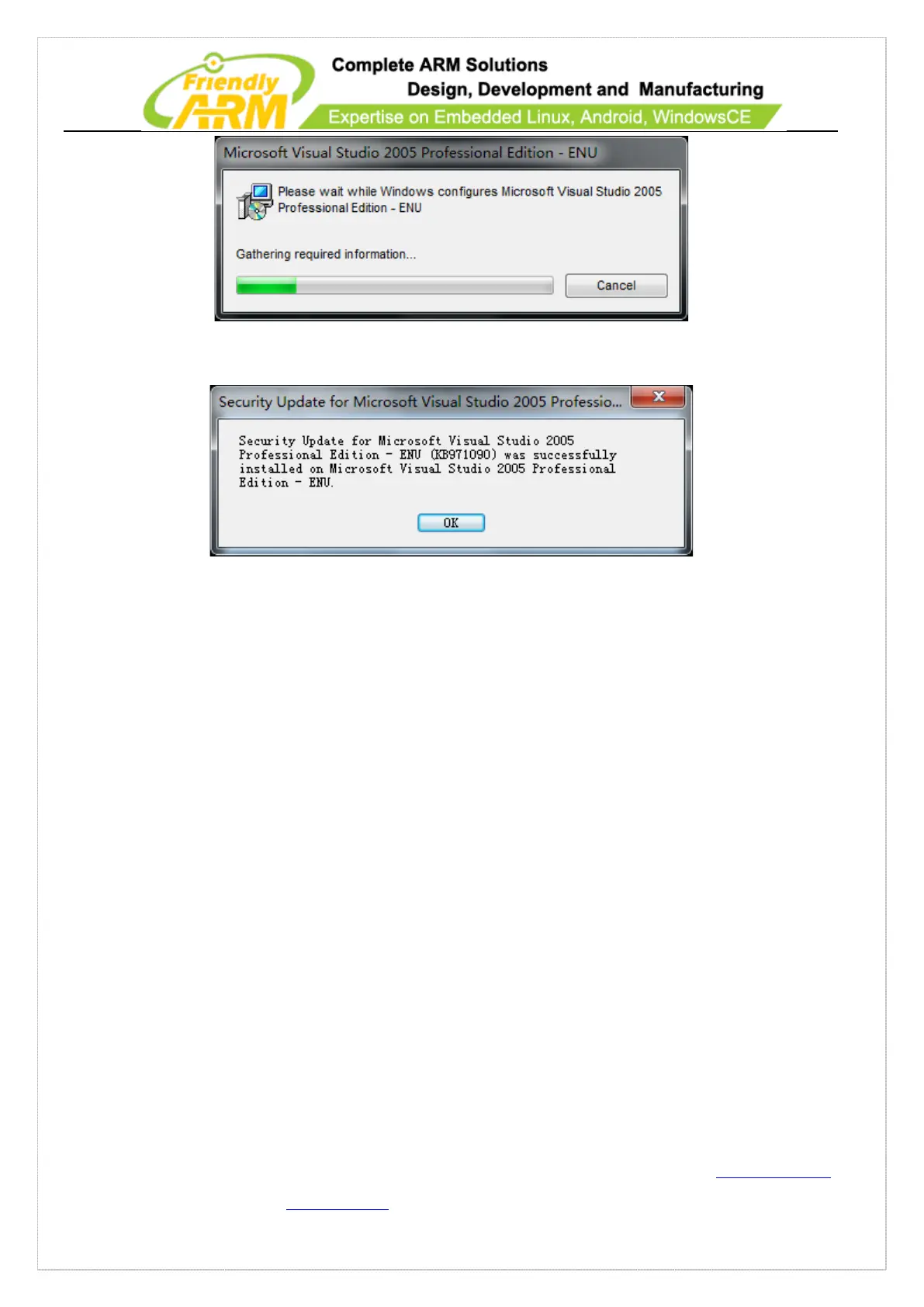
Step 22: After installation is done, click on “OK” to complete
Now all Windows 7 and Visual Studio 2005 components have been installed
10.1.2 Install Windows CE 6 and Patches
In this section we will show you how to install Windows CE6 and Platform Builder.
Note: to install Windows CE6 on Windows 7 you need to do it as administrator.
Step 1: go to “Start” -> “All Programs” -> “Accessories”, move to “command line”,
right click and select “run as administrator”



 To Next Page