Address: Room 1705,Block A1, Longyuan Plaza, Longkouxi Road, Guangzhou, China, 510640 Website: http://www.arm9.net
Sales: +86-20-85201025 Tech Support: +86-13719442657 Fax: +86-20-85261505
Email for Business and Cooperation: capbily@163.com Email for Tech Support: dev_friendlyarm@163.com
super terminal. In Windows9x, you need to install it by checking that option during
installation. Windows2000 and later
A common Linux desktop version has a similar terminal too and it is minicom. It is a
command line utility which may not be easy for beginners. Interested users can search
the internet for more resources.
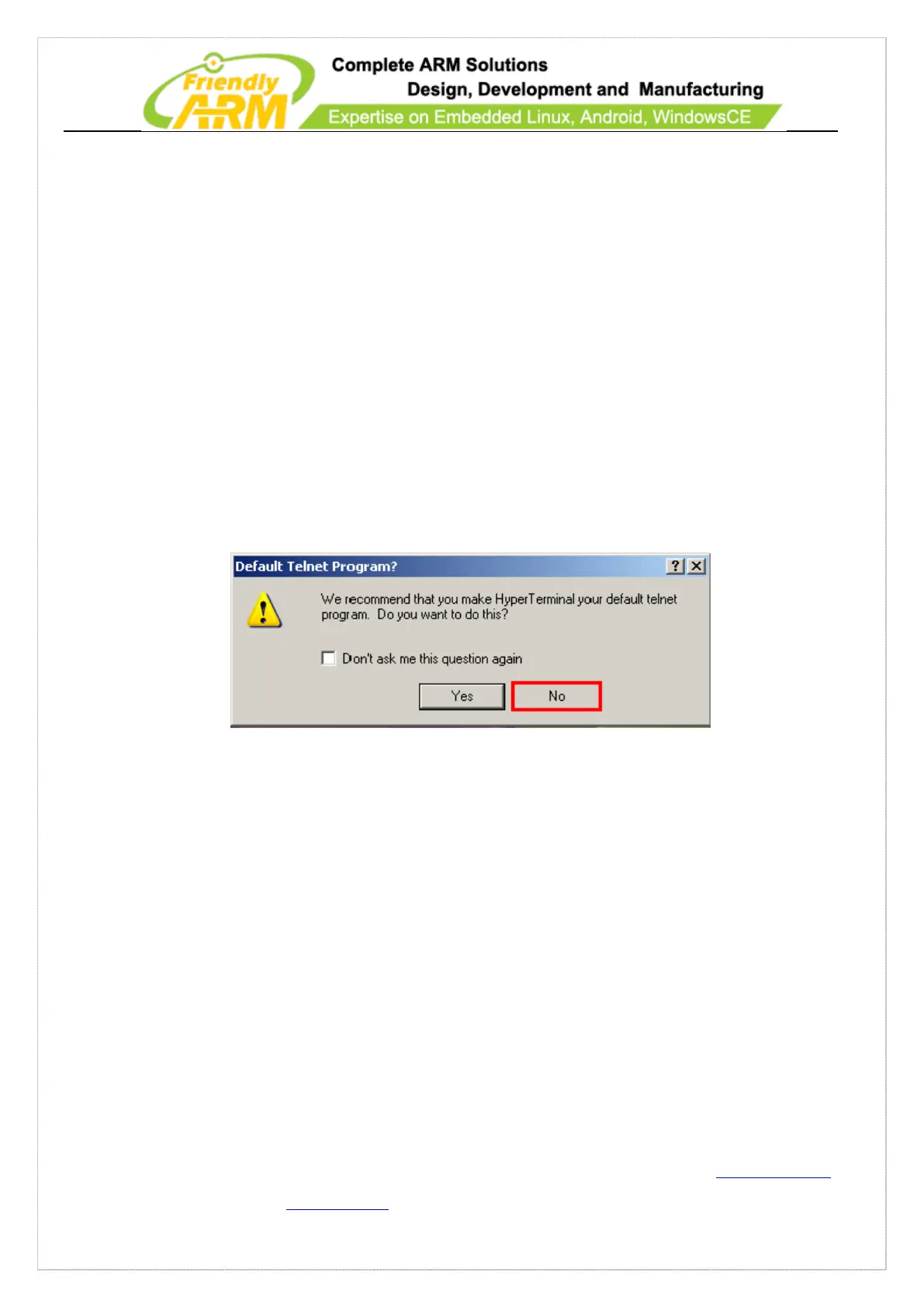
We take WindowsXP’s super terminal for instance. You can find it by going to
“Start->Programs->Accessories->Communications”. After it starts the following dialog
will pop up, please click on the “No” button
Click on the “Cancel” button on the following dialog



 To Next Page