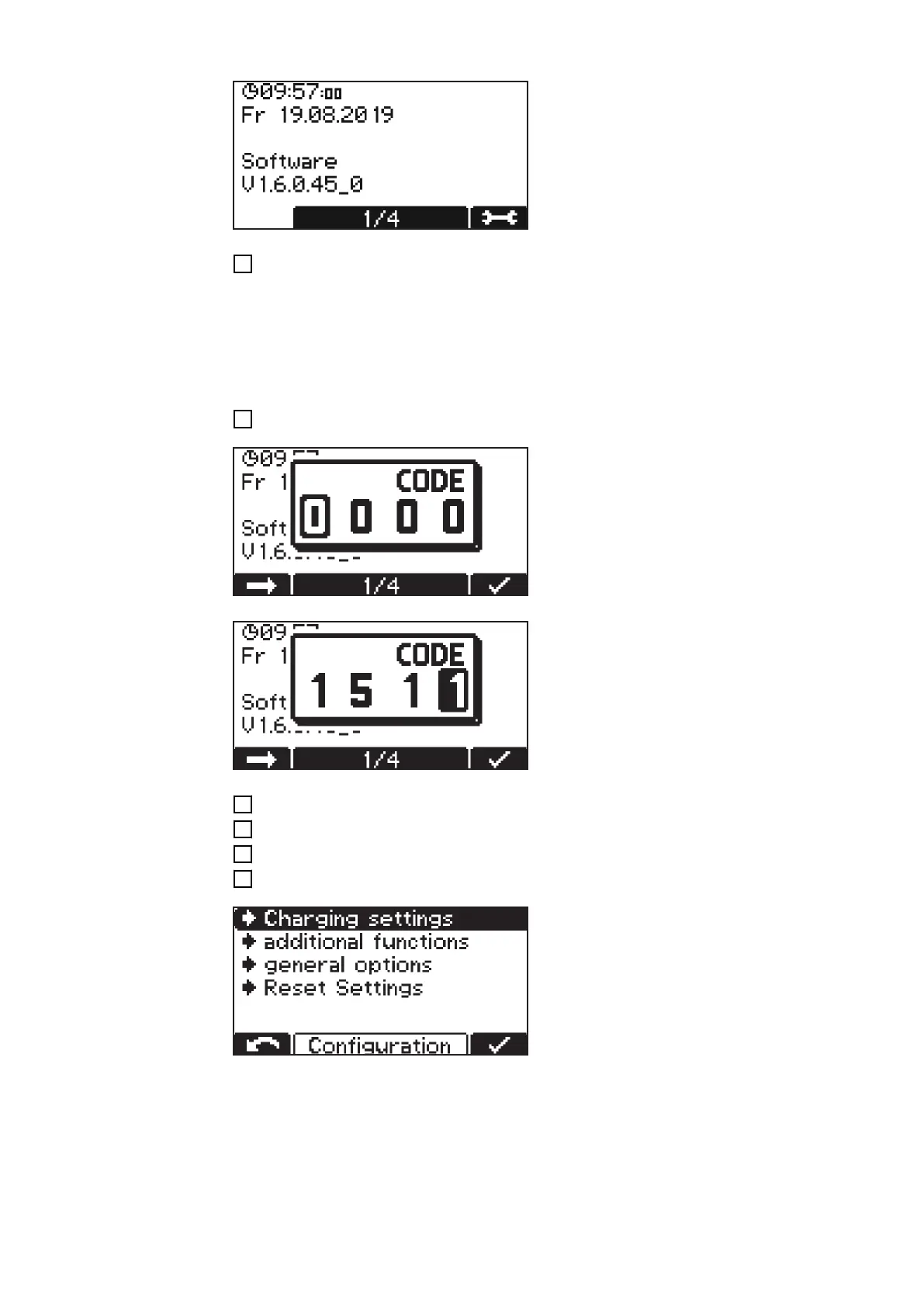
First the screen appears in the basic set-
tings with display of date and time, as well
as the software version.
1
Use the "Up/Down" buttons to call up the following information:
- Device serial number as well as serial number and version of the configuration
memory.
- PCB for control/power electronics: Hardware version and serial number.
- Software: Main software, secondary software, primary software and curve block
version.
Enter the configuration menu as follows:
1
Press the "Pause/Start" button.
A prompt for the code appears.
Enter the required code "1511" as follows:
1
Use the "Up/Down" buttons to enter the first digit of the code.
2
Press the "Menu" button to move to the next digit of the code.
3
Continue as described above until the complete code is entered.
4
Confirm the entry with the "Pause/Start" button.
The selection of the main menu items for
configuration mode appears.
34











 To Next Page