8
Before using your Poster Printer 3000
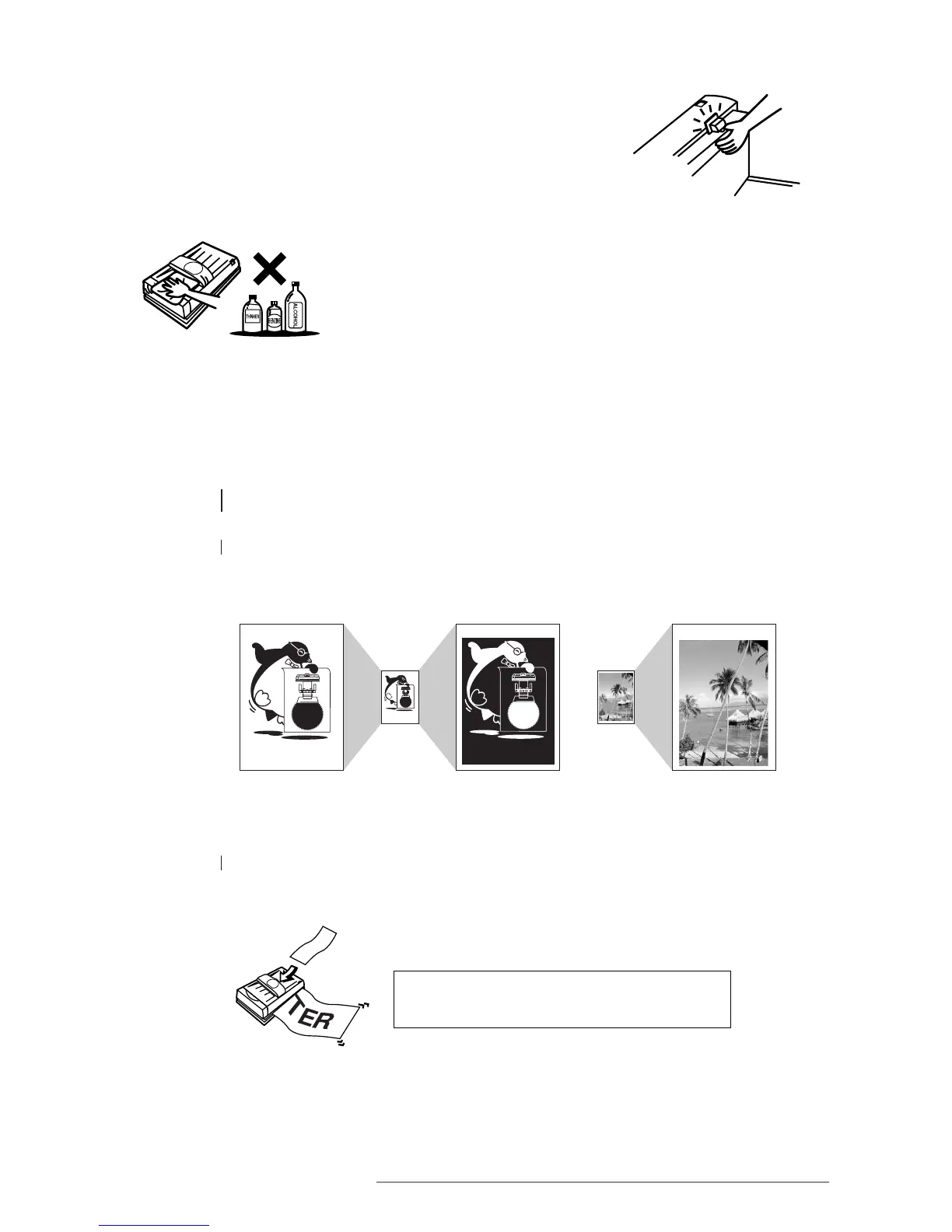
• When the printer is in use, the blade of the cutter is designed so as not to
protrude from the body of the machine. However, when the printer cover
is open, pressing down on the cutter lever will cause the blade to protrude.
Exercise due care to avoid cutting yourself.
• The cutter unit is made of resin. Avoid pushing or pulling on the cutter
with excessive force, as doing so may damage it.
• Always use a soft, dry cloth when cleaning the printer.
• Avoid using abrasive cleaners, thinners, benzine, or alcohol in
cleaning the printer, as doing so may cause the plastic to deteriorate
or change color.
• Do not turn the power switch off during the initializing or printing, as doing so may affect
output quality. Should the printer be turned off at these times, turn the switch on again, and
wait until completion of the initializing or printing.
1.7 MAIN FEATURES OF THE POSTER PRINTER 3000
1 The Poster Printer 3000 is designed to allow even first time users to quickly and easily print
high quality enlargements of A4 sized documents.
2 Both horizontal and vertical signs and banners can be easily created from long
input documents.














 To Next Page