Before using your Poster Printer 3000
7
ENGLISH
• If moving the printer, always be sure to turn off the main power switch and remove
the power cord from its socket first.
Allowing the power cord to become damaged, creased, or folded may result in fire or
electrical shock.
• If the printer is not to be used for long periods of time, turn off the main power switch and
remove the power cord from its socket.
Failing to do so may cause power leakages, which in turn may result in fire or electrical shock.
1.6 INSTRUCTIONS FOR PROPER USE OF THE PRINTER
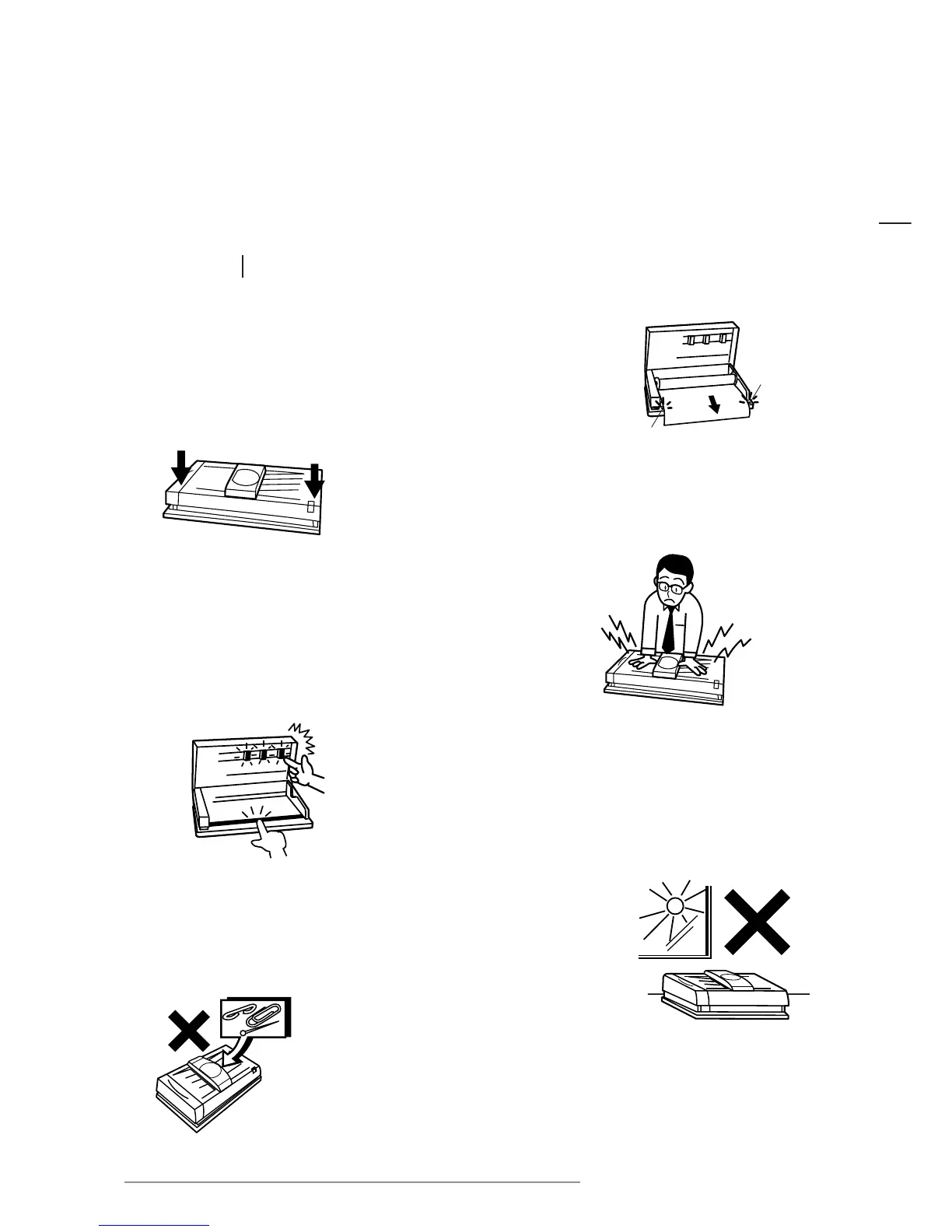
• When installing paper, pull the end of the roll out so that any slack
is removed from the paper. Align the paper with the guide marks
on either side.
• Hold the ends of the printer cover in both hands
and gently push the cover down until locked in place.
• Be sure to switch the power off when
opening or closing the cover.
• Avoid pressing down on the printer or scanner cover while the printer
is in operation.
• Avoid pulling the paper out of the machine while printing.
Doing so may affect the quality of the poster.
• Avoid contact with the thermal heads (which retain heat)
immediately after using the printer.
• Be careful not to damage the platen rubber. Avoid wiping
the platen rubber with alcohol or other solvents.
• Avoid placing the printer in a location where it is subjected to direct
sunlight, large amounts of dust, or near an air conditioning or heating unit.
• Be careful to ensure that pins, paper clips,
and other foreign objects are not dropped inside
the printer.














 To Next Page