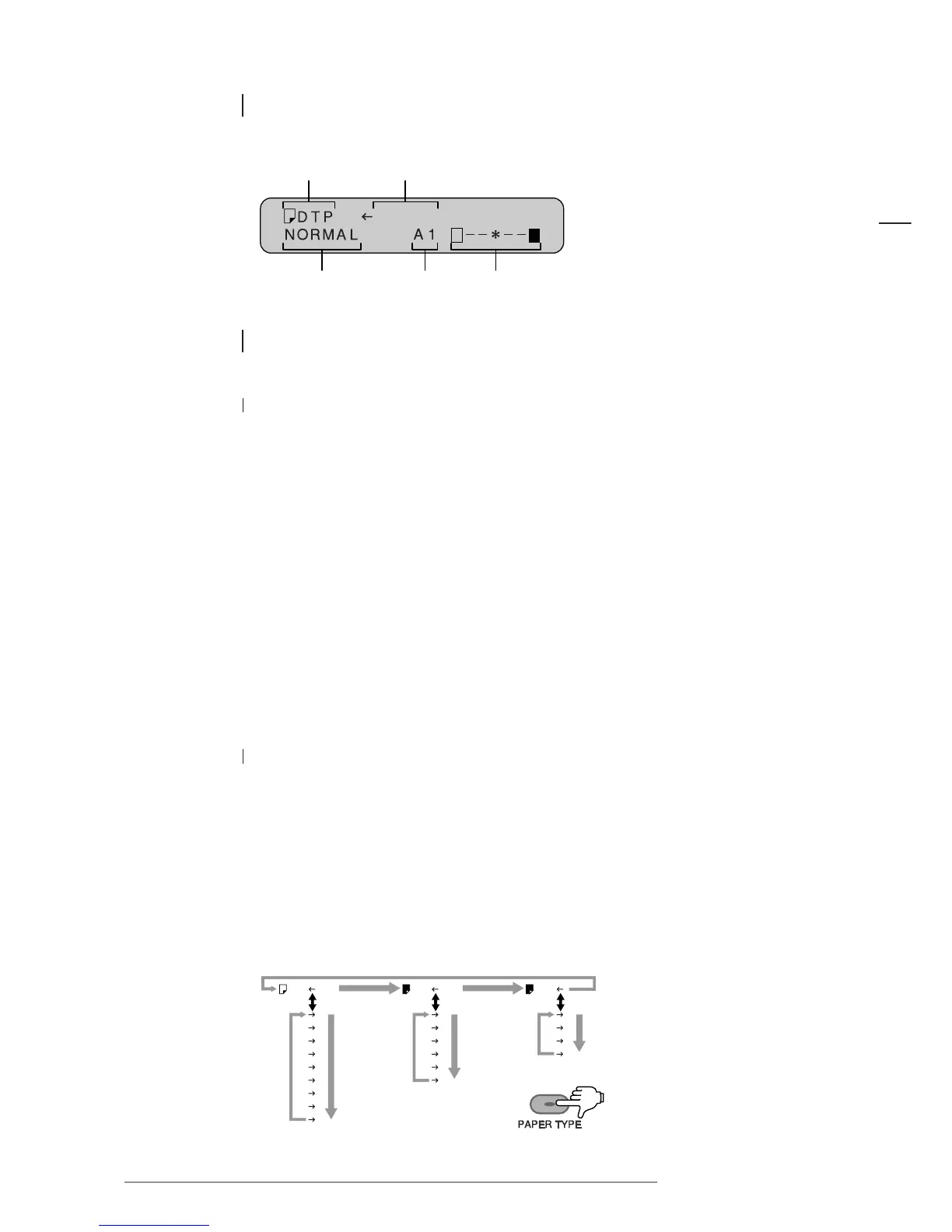
Individual part names
13
ENGLISH
2.5.1 Message display
2.5.2 Paper types
1 Setting paper type and a description of each
There are three types of paper: Direct Thermal Paper (DTP), Thermal Transfer Paper (TTP)
and Heavy Duty Poly Paper (HDP). Choose the paper type according to usage.
Refer to “Supplies”, p 30.
Direct Thermal Paper (DTP)
Cost effective and striking, Direct Thermal Paper is available in 7 colors, and is suitable
for the creation of posters to be displayed indoors.
Thermal Transfer Paper (TTP)
Similar to a regular type paper, Thermal Transfer Paper resists discoloration and is suitable
for the creation of posters which are to be displayed for long periods of time.
Heavy Duty Poly Paper (HDP)
Made of plastic, HDP Paper is waterproof, resists discoloration and offers excellent durability
which makes it suitable for the creation of posters to be displayed outdoors.
2 Output colors and the message display
Pressing the PAPER TYPE key for at least one second when the paper type is indicated on the
message display will change the direction of the arrow (to the right) to display the sequence
of output colors. Each time the paper key is pressed, the following color will be indicated.
Press the key again for at least one second. The arrow will change back to the left.
(Press the START/STOP key to hold the output color.)
NOTE: If a color is selected on the display differing to the output color of the paper installed
in the printer, the output color will not change to the specified color.














 To Next Page