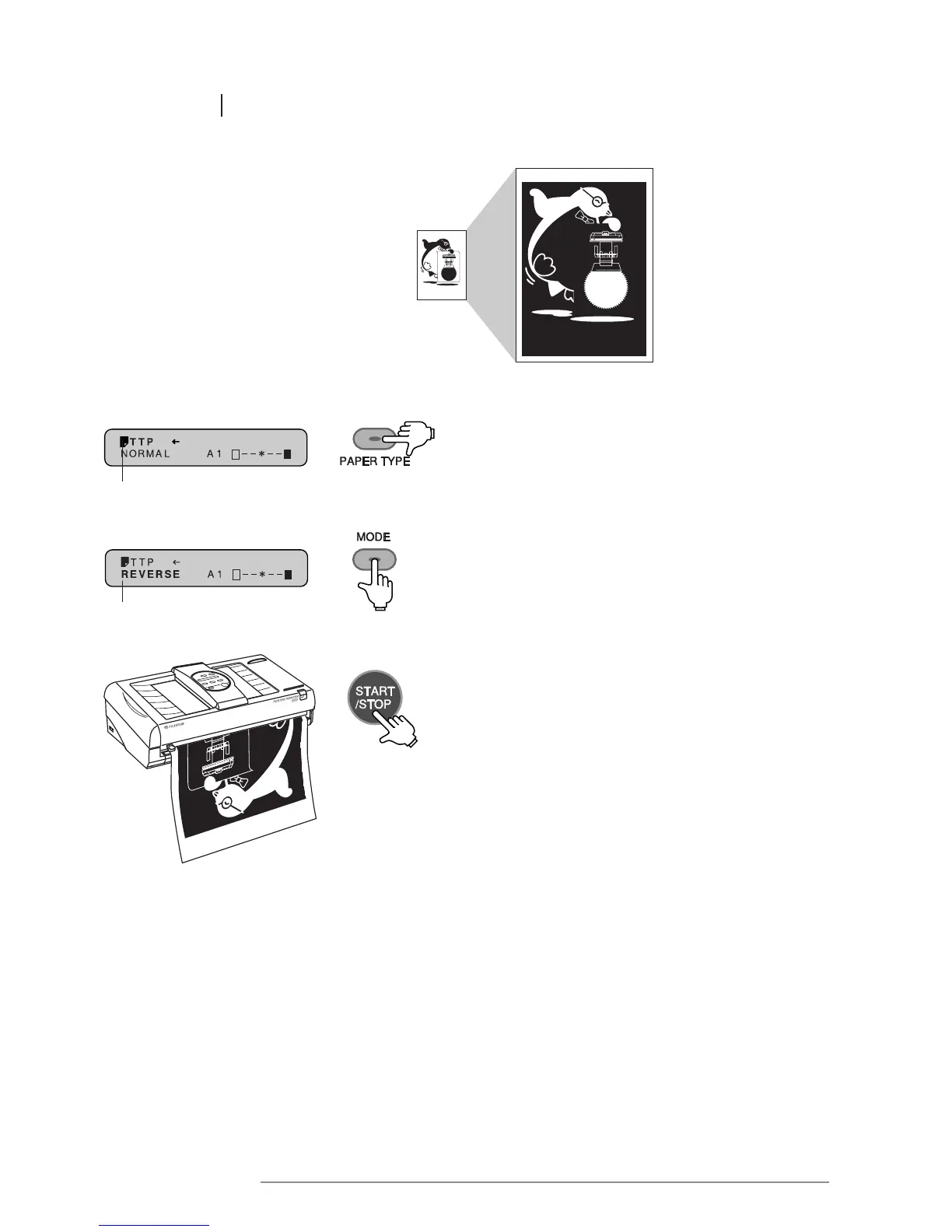
Input document REVERSE mode
The paper type is shown here
“REVERSE” is shown here
POINTS TO NOTE WHEN USING REVERSE MODE:
• The printer is designed to monitor the temperature of the thermal heads and to control printing
speed so as to prevent them from overheating.
If this happens, a “SLOW MODE” message will appear on the message display.
1 Press the PAPER TYPE key to select the type
of paper being used.
2 Press the MODE key to set the printer in
REVERSE mode. Select the desired output size
and level of contrast.
3 Place the original into the document bay face down.
Press the START/STOP key to begin printing.














 To Next Page