4
Before using your Poster Printer 3000
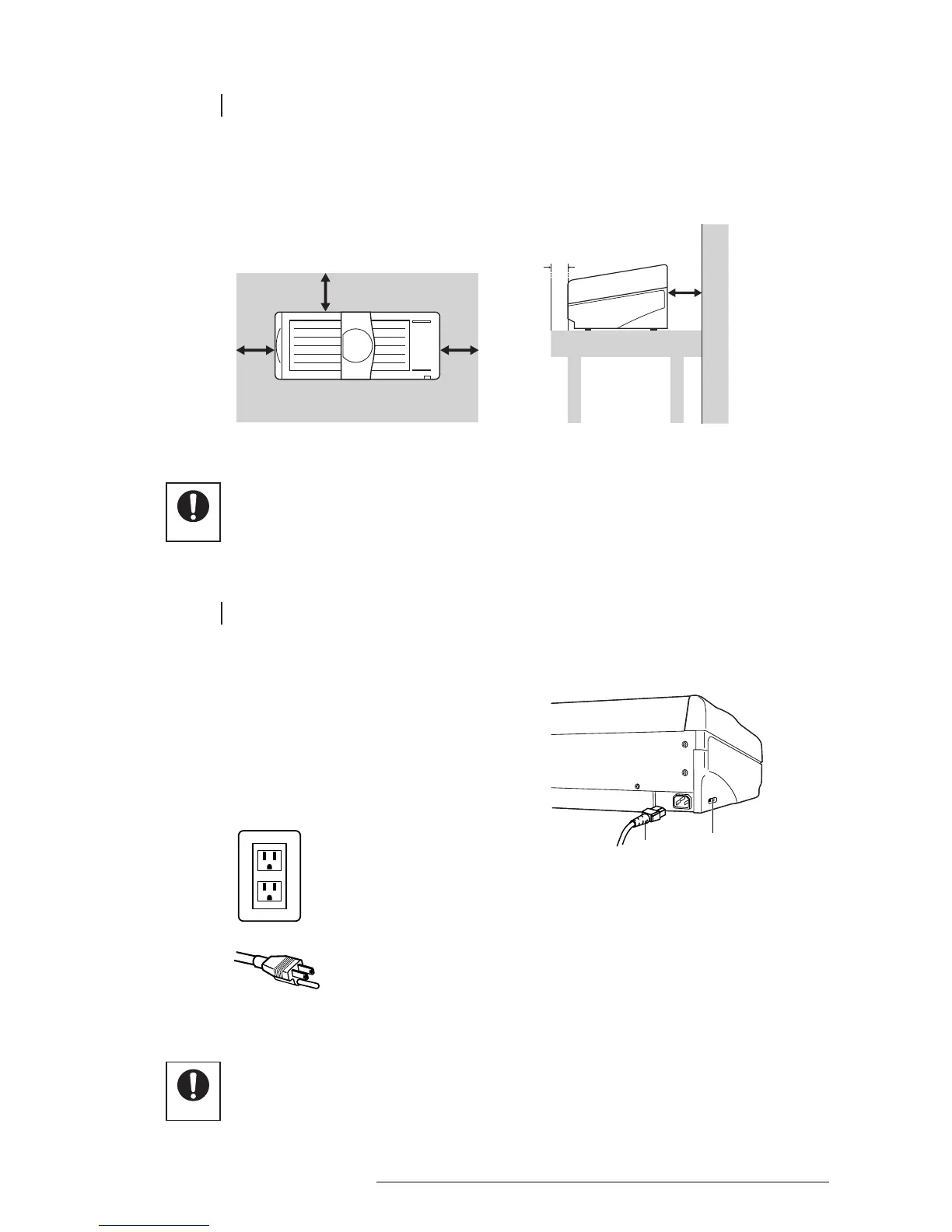
1.3 INSTALLATION SPACE
To ensure the proper functioning of your Poster Printer 3000, it is important to allow adequate space around
the main unit. Install as indicated in the following diagrams (unit: mm).
1.4 CONNECTING THE POWER CORD
1 Connect the power cord to the main unit.
2 Insert the power plug into a wall socket.
• Always connect the power cord to the printer before inserting the plug of the power cord
into a power socket.
• When using a two-prong socket, always connect the grounding wire to a grounding terminal.














 To Next Page