Before using your Poster Printer 3000
3
ENGLISH
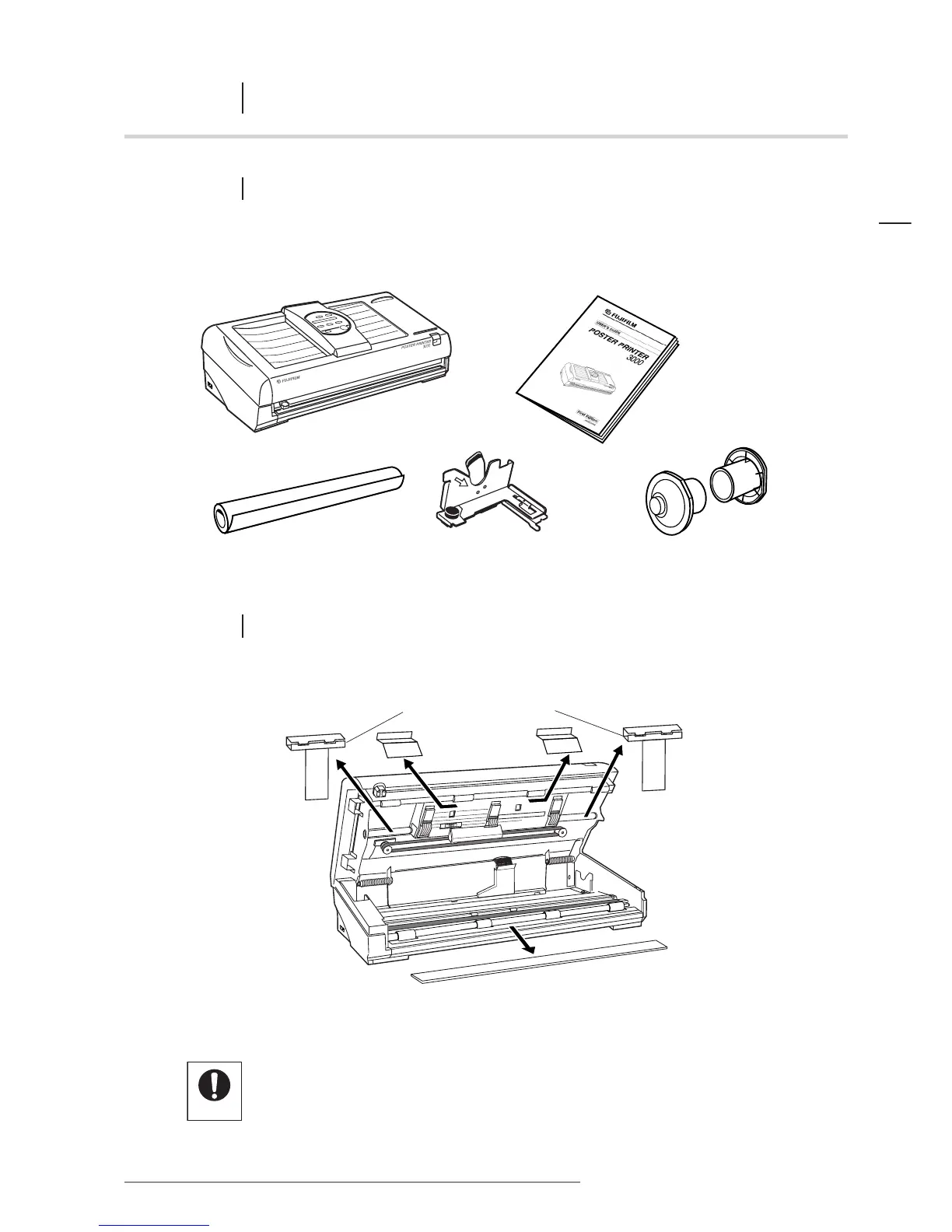
1.1 CHECKLIST OF ITEMS INCLUDED IN PACKAGE
Be sure to check that all of the following items have been included in the package.
1.2 UNPACKING THE PRINTER
CHAPTER
1 Before using your Poster Printer 3000
• Before switching the printer on, be sure to remove the cardboard protecting the shuttle unit
and the platen rubber protector sponge.
• When transporting the printer, be sure to insert these packing materials.














 To Next Page