Printing different poster sizes
21
ENGLISH
CHAPTER
5 Printing different poster sizes
5.1 DIVISION PRINTING
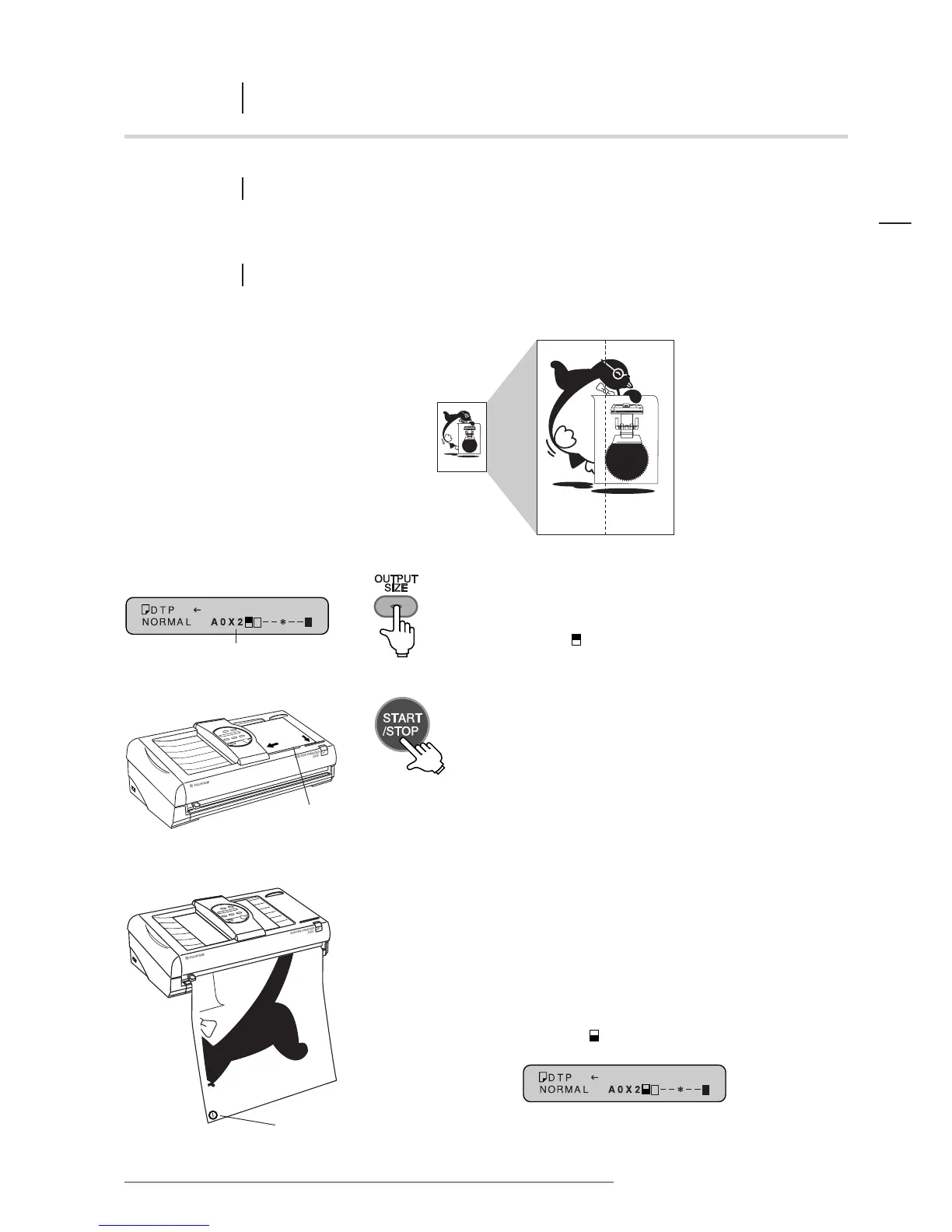
Printing two halves of a larger poster from one input document is called division printing.
5.1.1 Using A1 paper to produce an A0 x 2 size poster
Input document DIVISION print
The output size is shown here
1 Select the paper type, mode and contrast.
Set the OUTPUT SIZE so that it appears as
“A0 x 2 ” on the message display.
2 Place the original into the document bay face down.
Press the START/STOP key to begin printing.
3 The left side of the original will be printed first.
When the printing process is complete, cut the print
with the cutter.
When the left side is complete, the output size
on the message display will automatically change
to “A0x2 ”.
Make sure the original is placed firmly
along the document guide closest to
you, and into the scanner until it stops.
Cutting mark














 To Next Page