15
Getting Ready
1
SELECTING THE LANGUAGE
1
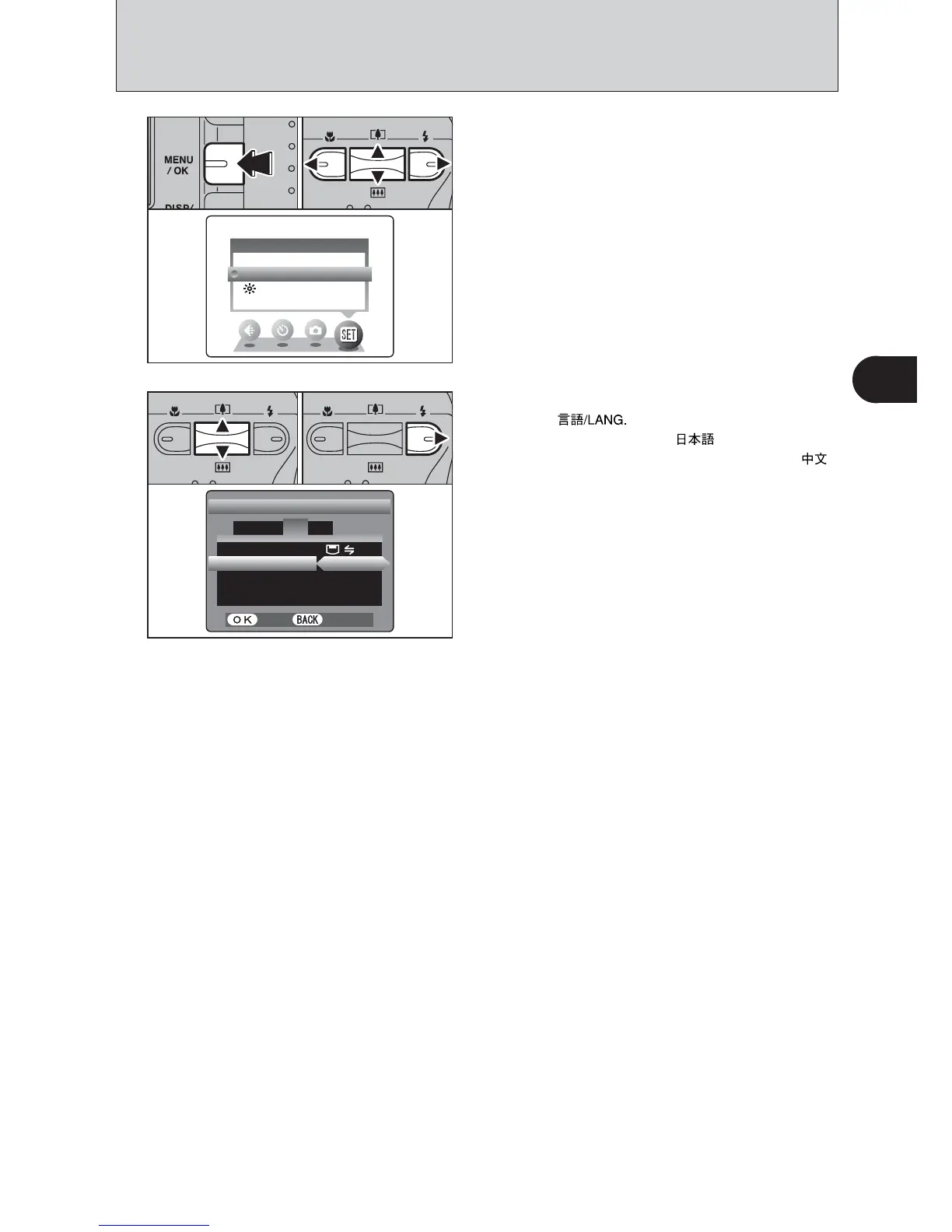
1Press the “MENU/OK” button to display the
menu on the LCD monitor.
2Press “a”, “b”, “d” or “c” to select “SET-UP”
from the “F” OPTION menu.
3Press the “MENU/OK” button.
1The “SET-UP” screen appears. Press “a” or “b”
to select “ ”.
2Press “c ” to select “ ”, “ENGLISH”,
“FRANCAIS”, “DEUTSCH”, “ESPAÑOL” or “ ”.
Press “c ” to cycle through the language
settings.
●
!
The screens in this manual are shown in English.
●
!
See P.49 for more information on the “F” OPTION menu.
2













 To Next Page