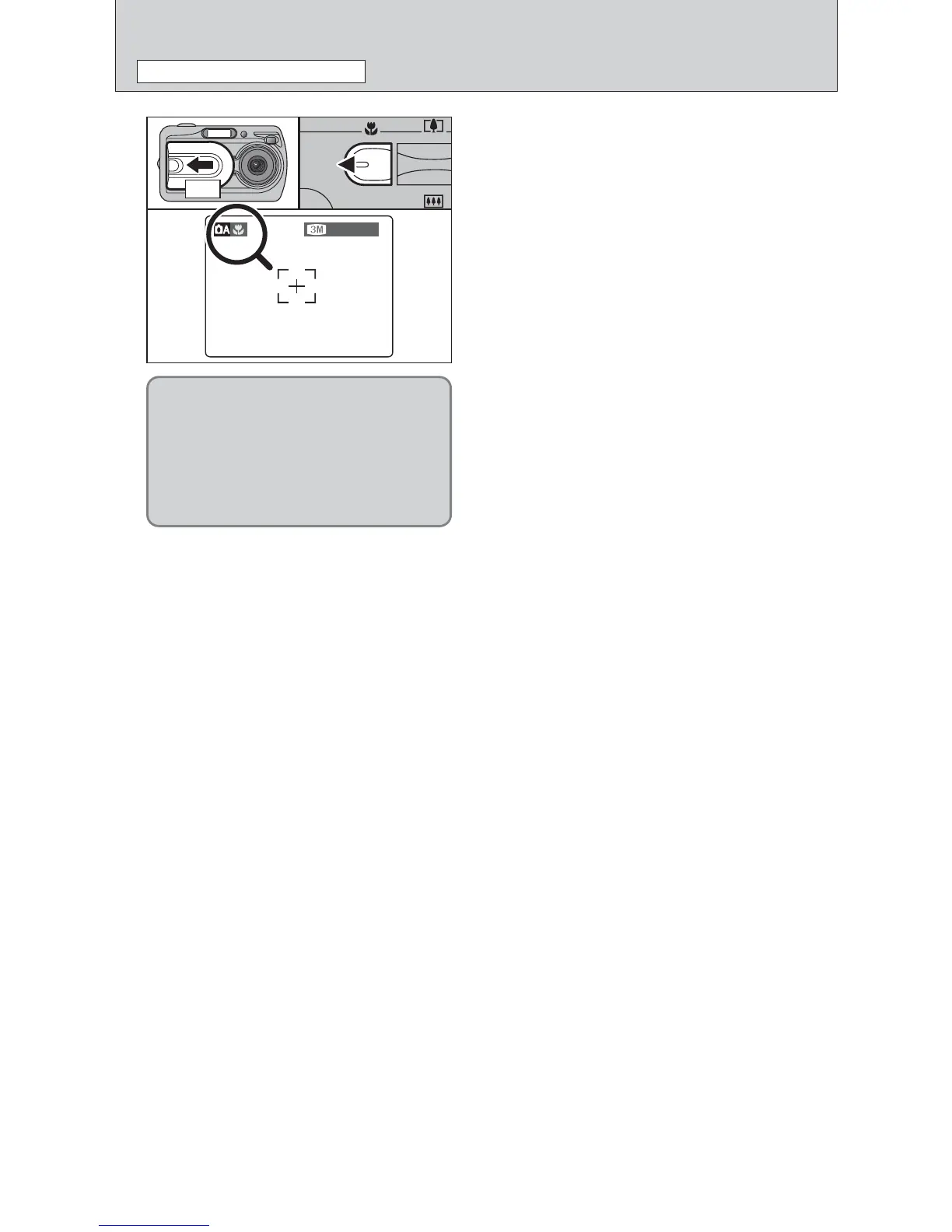
Select Macro mode to take close-up shots.
1Open the lens cover.
2Press the “e ” Macro button (d ). The “e ”
appears on the LCD monitor indicating that you
can take close-up shots.
To cancel Macro mode, press the “e” Macro
button (d) again.
h Focus distance
Approx. 0.1 m to 0.8 m (3.9 in. to 2.6 ft.)
h Effective flash range
Approx. 0.3 m to 0.8 m (1.0 ft. to 2.6 ft.)
●
!
Macro mode is cancelled in the following situations:
i When the SHOOTING MODE is changed
i When the camera is turned off
●
!
Select the appropriate flash mode for the conditions.
●
!
Use a tripod to avoid camera shake when shooting in the
dark (when “
|” appears).
●
!
The lens is fixed at the wide-angle zoom setting and only the
digital zoom can be used.
●
!
Once the LCD monitor is turned ON and cannot be turned
OFF.
●
!
Canceling Macro mode, the LCD monitor remains on.
01 02
When you use the viewfinder to take a
picture in Macro mode, the field visible
through the viewfinder does not match
the field actually photographed because
the viewfinder and lens are in different
positions. Accordingly, you should use
the LCD monitor to take pictures in
Macro mode.













 To Next Page