01 02
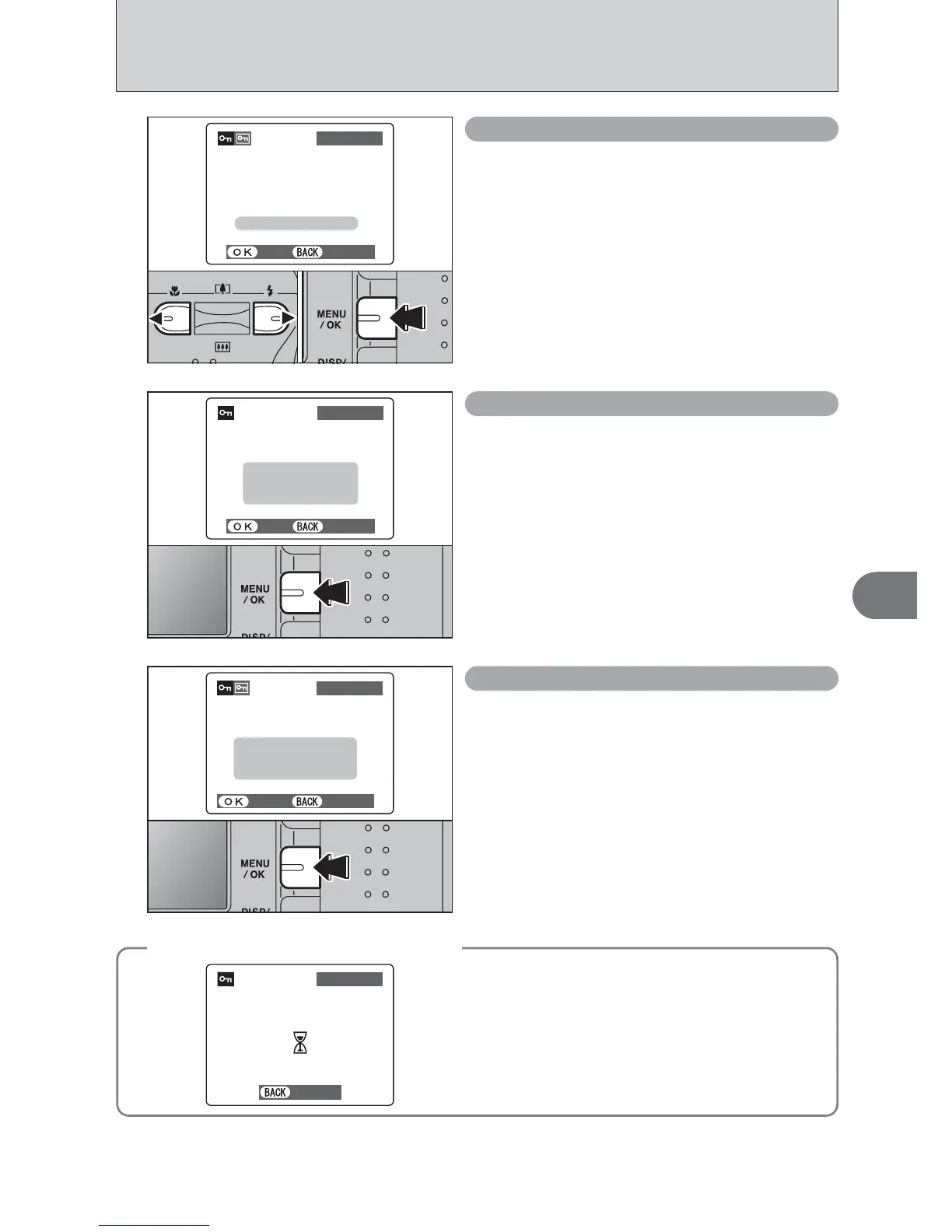
1Press “d” or “c” to select the protected frame
(file).
2Press the “MENU/OK” button to unprotect the
displayed frame (file).
FRAME RESET
Press the “MENU/OK” button to protect all the
frames (files).
SET ALL
Press the “MENU/OK” button to unprotect all the
frames (files).
RESET ALL
◆
To stop the procedure mid-way
◆
If the images are very large, protecting or
unprotecting all the frames (files) may take some
time.
If you want to take a picture or recording a movie
during the procedure, press the “DISP/BACK” button.
To then return to protecting or unprotecting all the
frames (files), start the procedure on P.38 from step
1.













 To Next Page