2
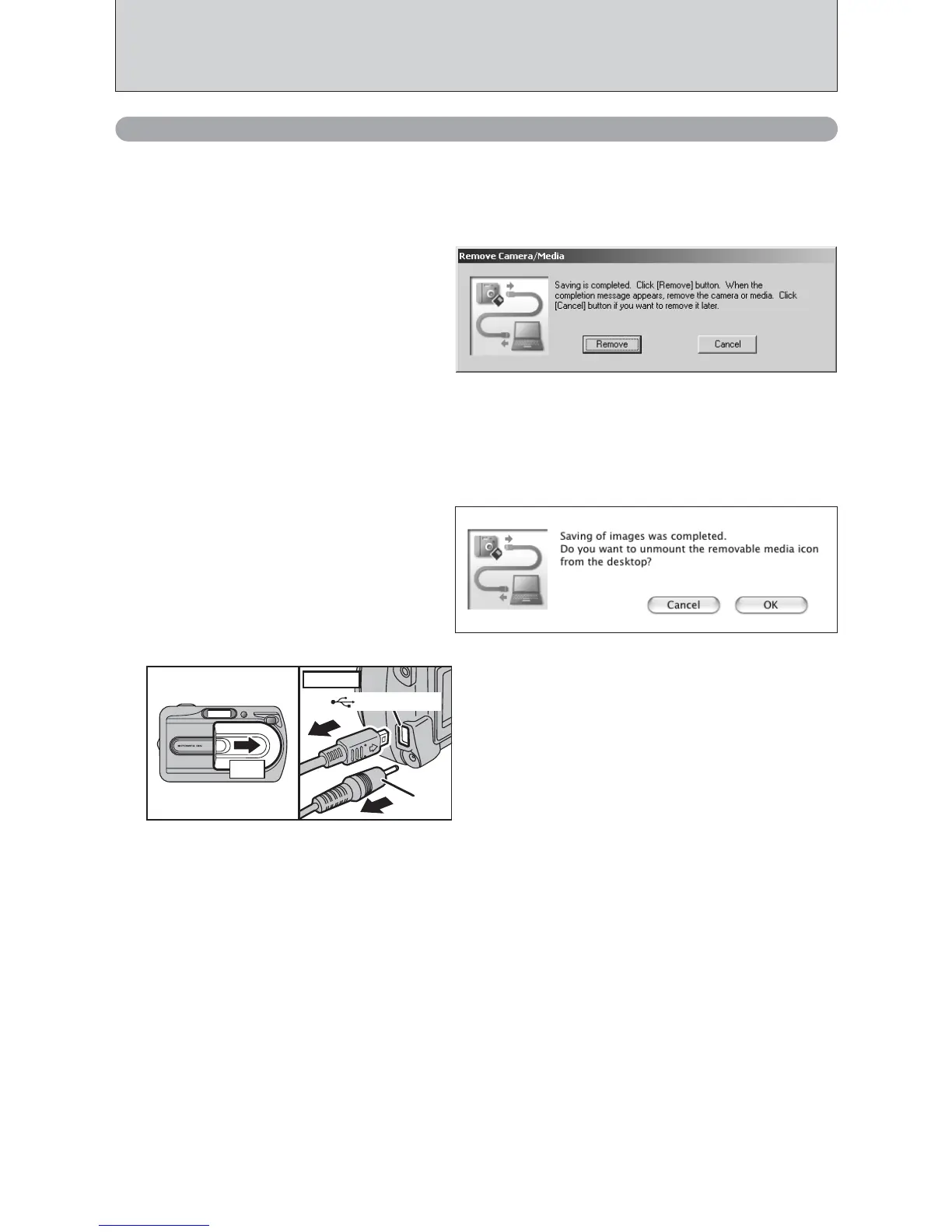
1When the “It is now safe to disconnect the
camera” message appears, click the [OK] button
and disconnect the camera.
2Turn the camera off.
3Unplug the USB cable (included) from the
camera.
02
03
6.3.2 Disconnecting the Camera
1
Windows
Once the image has been saved, the “Remove Camera/Media” window appears (Save Image
Wizard Windows). To disconnect the camera, click the [Remove] button.
Macintosh
Once the image has been saved, the “Remove camera/media” window appears (Save Image
dialog box). To disconnect the camera, click the [OK] button.













 To Next Page